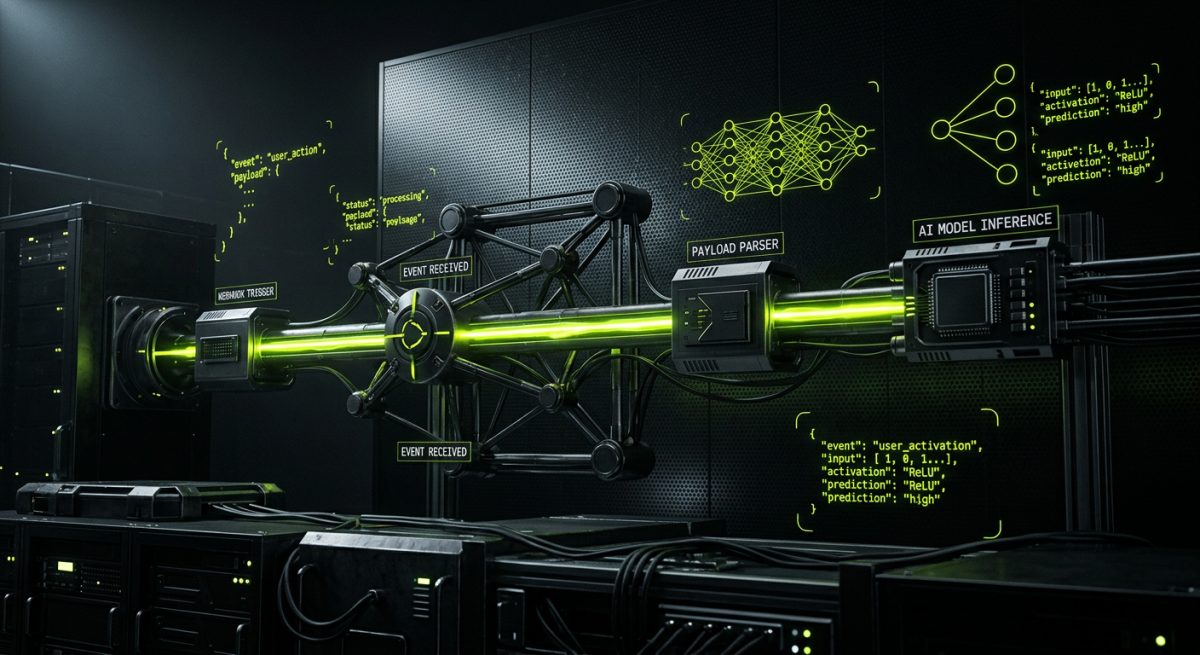
The Architecture of Event-Driven AI Pipelines
In the modern B2B ecosystem, the ability to react to data in real-time is no longer a luxury—it is a technical requirement. Traditional data processing often relied on "polling," where a system repeatedly asks another system for updates. This method is inefficient, resource-heavy, and introduces significant latency. At werun.dev, we advocate for an event-driven architecture powered by webhooks. A webhook is essentially a reverse API; instead of your server requesting data, the source system pushes data to a specific URL the moment an event occurs. When you combine this instantaneous data transfer with Large Language Models (LLMs) like GPT-4 or Claude, you transform a simple notification into an intelligent data pipeline.
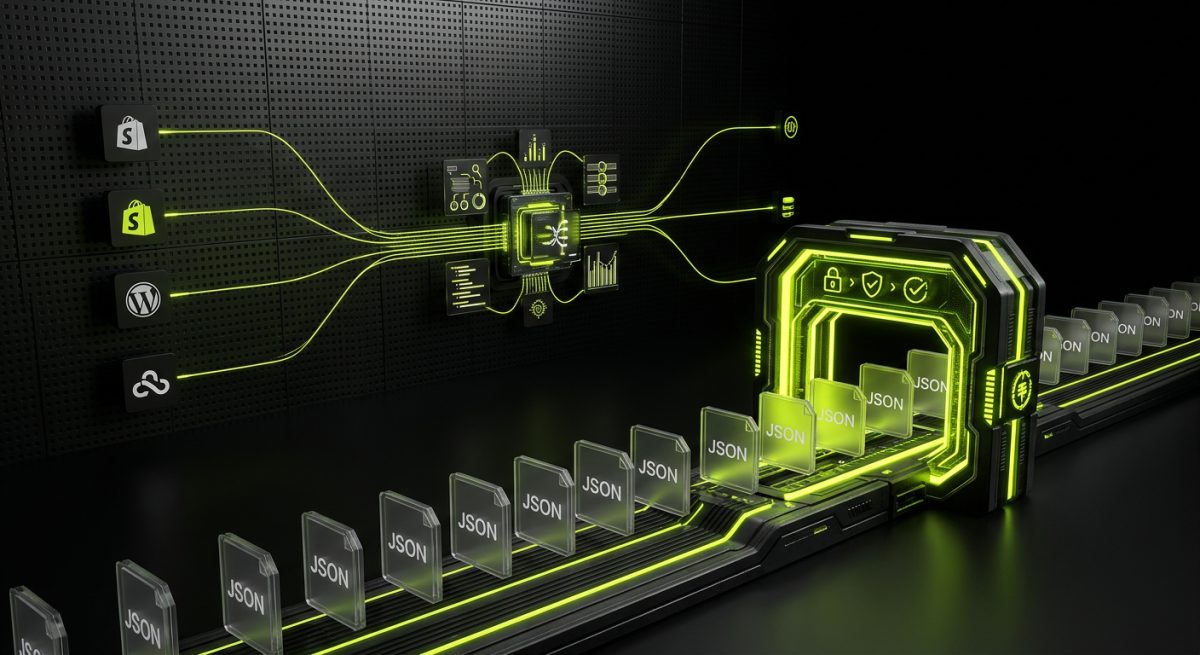
Building an intelligent pipeline begins at the source. Whether you are using WordPress, Shopify, or Webflow, each platform offers a robust webhook system. In WordPress, we often build custom webhook listeners that hook into the save_post or woocommerce_new_order actions. For Shopify, the platform provides a comprehensive set of webhook topics covering everything from cart creation to fulfillment updates. Webflow allows for site-level triggers, such as form submissions or CMS item changes. The technical challenge lies in the "handshake." Every webhook must be verified to ensure the payload is legitimate. For instance, Shopify uses an HMAC header, while custom WordPress integrations often utilize secret tokens or JWT authentication. Without this security layer, your AI pipeline is vulnerable to injection attacks or data spoofing.
Once a webhook is received and verified, the data payload—usually in JSON format—serves as the raw material for the AI. The first step in an intelligent pipeline is data sanitization and context mapping. Raw JSON is often verbose and contains metadata that an LLM does not need. A well-designed pipeline uses a middleware layer to extract only the relevant fields. For example, if a Shopify webhook triggers on a new high-value order, the pipeline might extract the customer's purchase history, the specific items bought, and any custom notes. This refined data is then bundled into a prompt. This is where the "intelligence" happens: the AI isn't just receiving a notification; it is being asked to analyze the data, categorize it, or predict a next step based on the context of your specific business logic. This shift from reactive logging to proactive analysis is what defines a modern B2B web infrastructure.
Technical Requirements for Webhook Listeners
To build a resilient listener, your server must be optimized for high concurrency. Webhooks can arrive in bursts, especially during sales events or marketing launches. We recommend using asynchronous processing. In a WordPress environment, this means using the Action Scheduler or WP Cron to move the AI processing to a background task. This ensures that the webhook source (like Shopify) receives a 200 OK response immediately, preventing timeouts and retries that could clog your system. The listener should log every incoming request, the status of the AI processing, and any errors returned by the LLM provider. This audit trail is essential for debugging complex integrations where data passes through multiple cloud layers before reaching its final destination.
Implementing Intelligent Middleware with n8n and Custom Code
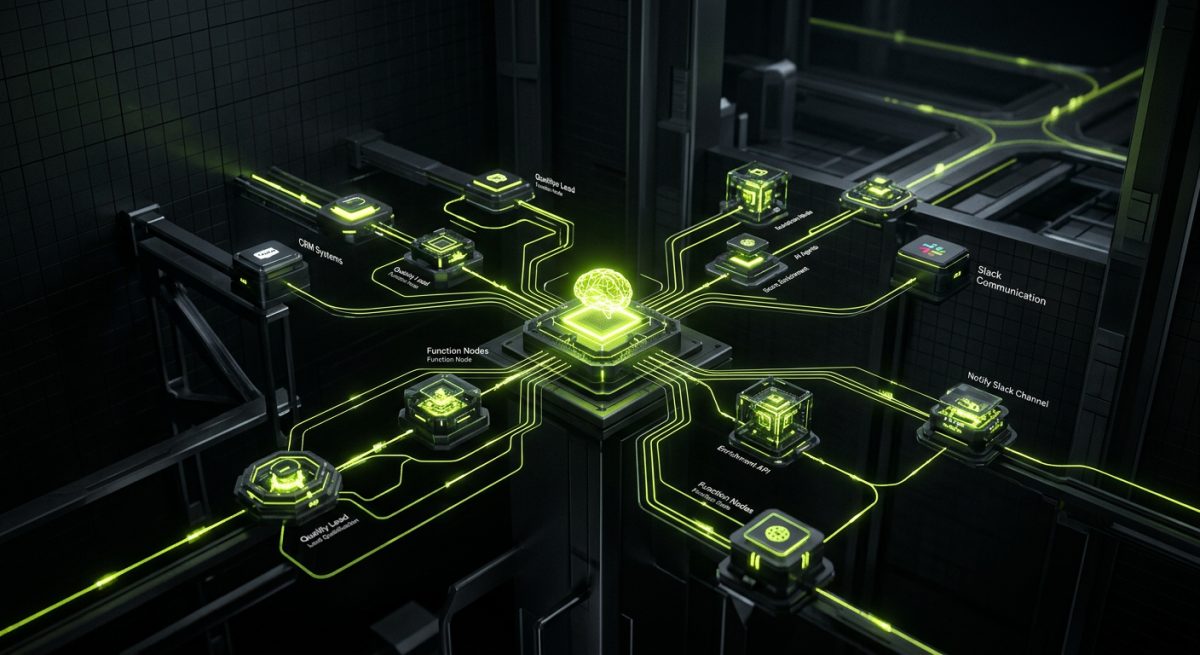
While direct integrations are possible, the most scalable way to build intelligent data pipelines is through a dedicated orchestration layer. At werun.dev, we specialize in deploying n8n—an extendable workflow automation tool—to act as the "brain" between your web platform and AI models. n8n allows us to build multi-branch logic that handles complex scenarios that a simple script cannot. For example, an incoming webhook from a Webflow form can trigger a workflow that first checks a CRM like Salesforce, then sends the combined data to an AI agent for lead scoring, and finally routes the result to a Slack channel if the score exceeds a certain threshold.
One of the primary advantages of using a tool like n8n, especially when self-hosted on your own infrastructure, is data sovereignty. When dealing with sensitive B2B data, sending everything through a third-party SaaS aggregator can be a compliance nightmare. By hosting the orchestration layer, you maintain control over the logs and the data flow. Within n8n, we utilize "Function Nodes" to run custom JavaScript or Python code. These nodes are critical for pre-processing data before it hits the AI. You might use a script to calculate the Lifetime Value (LTV) of a customer or to scrub Personally Identifiable Information (PII) that shouldn't be sent to an external LLM. This pre-processing ensures that the AI receives the highest quality context, which directly impacts the accuracy of its output.
Integrating AI models into these workflows requires more than just an API key. It requires a deep understanding of prompt engineering and model selection. For high-speed tasks like sentiment analysis or data categorization, we might use a smaller, faster model like GPT-3.5 Turbo or Claude Haiku. For complex reasoning, such as generating personalized email responses based on a customer's entire history, we opt for GPT-4o or Claude 3.5 Sonnet. The middleware layer allows us to implement "Chain of Thought" processing. Instead of one giant prompt, we break the task into smaller steps: first, the AI summarizes the incoming data; second, it identifies key action items; third, it generates the final output. This modular approach is much more reliable and easier to tune over time.
Error Handling and Retry Logic
AI APIs are powerful but can be unstable. Rate limits, model timeouts, and transient network errors are common. A professional pipeline must include sophisticated error handling. In n8n, we implement "Error Trigger" workflows that catch failures in any node. If the OpenAI API returns a 429 (Too Many Requests) error, the pipeline should automatically wait and retry the request using an exponential backoff strategy. If the error persists, the system should fail gracefully, logging the event and notifying the development team via Slack or PagerDuty. This level of resilience is what separates a "hobbyist" automation from an enterprise-grade integration. We also implement "Human-in-the-loop" nodes for high-stakes decisions. If the AI is unsure about a specific data point, the pipeline pauses and sends a notification to a staff member to approve or reject the action before it proceeds to the next step.
Real-World B2B Applications and Scalability
The true value of Webhooks + AI integrations is realized in high-volume B2B environments where manual data entry is a bottleneck. Consider a WooCommerce store managing thousands of wholesale orders. By building a pipeline that triggers on every new order, the AI can automatically cross-reference the order against inventory levels in an external ERP like SAP or Odoo. It can then generate a risk profile for the transaction, identifying potential fraud or shipping delays before a human even looks at the screen. This doesn't just save time; it prevents costly errors that occur when staff are overwhelmed by data volume.
Another powerful use case is in content management and SEO. For our Webflow and WordPress clients, we often build pipelines that trigger when a new blog post is drafted. The webhook sends the draft to an AI agent that performs an SEO audit, suggests internal links based on existing CMS items, and generates meta descriptions and social media snippets. This ensures that every piece of content published follows best practices without requiring a dedicated SEO manager to review every single post. Because the system is integrated via webhooks, the feedback is nearly instantaneous, allowing editors to make changes while the content is still fresh in their minds. This is the essence of an "Intelligent Data Pipeline": it augments human capability by providing the right information at the right time.
Scalability is the final piece of the puzzle. As your business grows, the number of webhooks will increase exponentially. A pipeline built on a single, monolithic server will eventually fail. This is why we advocate for cloud-native solutions and microservices. By using serverless functions (like AWS Lambda or Google Cloud Functions) to handle the initial webhook reception, you can scale to handle millions of events without managing infrastructure. These functions then pass the data to a message queue (like RabbitMQ or Amazon SQS), which feeds the AI processing layer at a controlled rate. This architecture prevents your AI costs from spiraling out of control and ensures that your primary website remains fast and responsive regardless of how much background processing is happening. At werun.dev, we ensure that every integration we build is not just functional for today, but architected for the growth of tomorrow.
Monitoring and Cost Management
Integrating AI into your data pipelines introduces a new variable: token costs. Every word sent to or received from an LLM costs money. To prevent budget overruns, we implement monitoring dashboards that track token usage per workflow. We also use caching strategies; if a webhook sends data that has already been processed recently, the system can retrieve the previous AI response from a Redis cache instead of calling the API again. This reduces latency and cost. Furthermore, we monitor the "drift" of AI outputs. Over time, as models are updated or your business data changes, the AI's performance may degrade. Regular automated testing—where a set of "golden" inputs is run through the pipeline to check against expected outputs—is essential for maintaining the integrity of your intelligent systems. By treating AI integrations as a core part of your software engineering lifecycle, you ensure they remain a high-ROI asset for your business.