
The CMS landscape in 2026 looks nothing like it did five years ago. Headless architectures multiplied, no-code tools flooded the market, and AI-assisted content management entered the conversation. Yet through all of it, two platforms have not just survived — they have widened their lead: WordPress and Webflow. Combined, they power a substantial majority of professionally built websites globally, and the reasons go far deeper than market inertia.
For B2B companies evaluating their web infrastructure, understanding why these platforms dominate is more useful than simply knowing that they do. The answer lies in architectural maturity, ecosystem depth, and the ability to serve radically different use cases without compromise.
WordPress in 2026: Maturity That Compounds
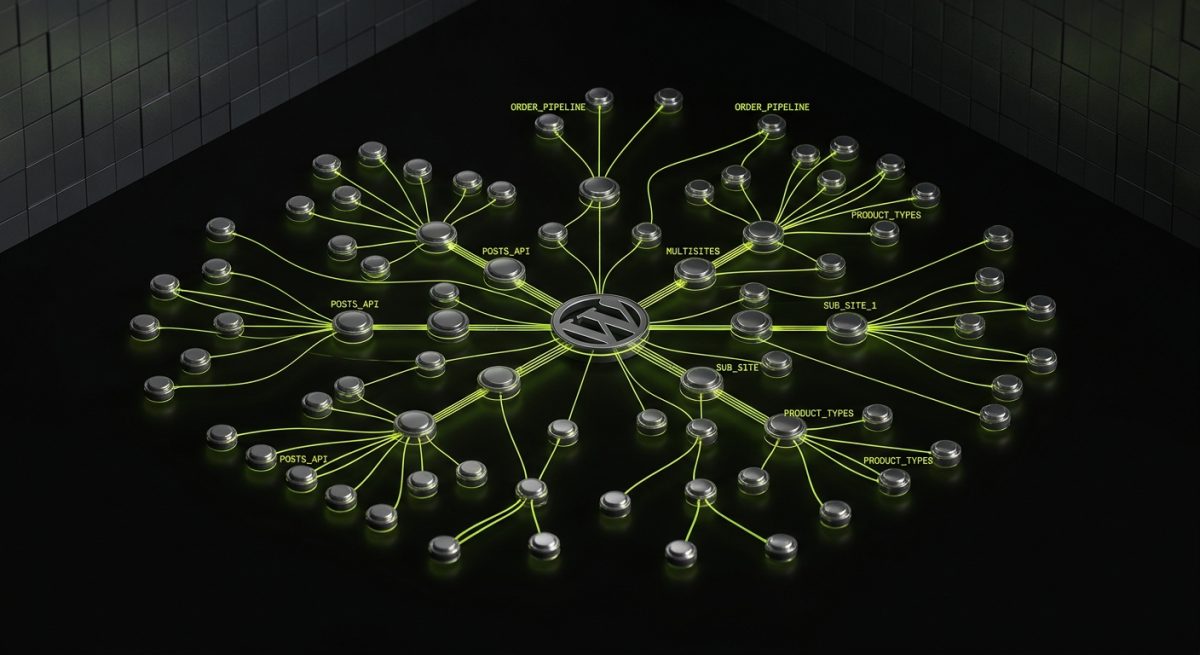
WordPress powers approximately 43% of all websites on the internet — a figure that has continued to climb even as competitors positioned themselves as its replacement. That kind of market penetration does not happen by accident, and it does not persist without genuine technical merit.
The Gutenberg Ecosystem Has Reached Critical Mass
Full Site Editing (FSE) and block themes, once a contentious transition, are now the standard for professional WordPress development. The Gutenberg editor has matured into a genuinely powerful composition system. Block patterns, reusable blocks, and the Site Editor give content teams real editorial control without requiring developer intervention for every layout change.
For development teams like ours at werun.dev, this shift has been significant. Building custom Gutenberg blocks is now a core competency — not an edge case. We architect block-based themes from scratch, implement custom block patterns, and deliver sites where the editing experience is as carefully designed as the front end itself.
The technical underpinnings are equally robust:
- WordPress REST API enables decoupled and headless architectures, allowing WordPress to act as a content backend for Next.js, Astro, or mobile applications
- Custom post types, taxonomies, and meta fields provide data modeling flexibility that rivals dedicated headless CMS platforms
- WP-Cron and background processing support complex operational workflows without external dependencies
- Multisite lets enterprise clients manage dozens of properties from a single installation
Plugin Architecture: Power With Accountability
The WordPress plugin ecosystem — over 60,000 plugins in the official repository — is both its greatest strength and the source of its most common problems. The difference between a well-maintained WordPress installation and a liability is almost entirely a function of how plugins are built and managed.
At werun.dev, every custom plugin we develop follows WordPress coding standards rigorously: proper nonces for CSRF protection, capability checks before any privileged operation, full sanitization on input and escaping on output, and REST API endpoints that authenticate correctly. Plugins ship with documentation and a GitHub-powered auto-update system, so client sites always run the current version without manual intervention.
This is the gap between commodity WordPress development and professional WordPress development. The platform's power is real — but only when the code built on top of it is held to the same standard as the core itself.
WooCommerce as an Enterprise E-Commerce Platform
WooCommerce's position in 2026 has shifted considerably. It is no longer primarily a tool for small online stores. Complex B2B wholesale operations, subscription-based SaaS billing systems, multi-currency international stores, and ERP-integrated product catalogs are all being built on WooCommerce — because the architecture supports it when implemented correctly.
The critical factor is integration depth. A WooCommerce store that connects to a client's ERP for inventory, their CRM for customer data, and their 3PL for fulfillment is a meaningfully different system from a default WooCommerce install. That level of integration requires custom product types, pricing rule engines, checkout logic modifications, and API endpoints that speak the languages of external systems. That is the work we do — not theme customization, but genuine platform engineering.
WordPress Hosting Infrastructure in 2026
Managed WordPress hosting has matured dramatically. Partners like WP Engine, SiteGround, and Automattic's own WordPress.com VIP tier now offer infrastructure that eliminates most of the operational overhead that once made WordPress a concern at scale. Automatic core updates, server-level caching, edge CDN delivery, and staging environments are table stakes. The result is that WordPress can now compete on reliability and performance with platforms that once held a clear advantage in those areas.
Webflow in 2026: The Professional Visual Development Platform
Webflow occupies a fundamentally different position in the market than WordPress, and that distinction is precisely why it has grown so aggressively. It is not trying to be everything to everyone. It is the platform for teams that need pixel-perfect design fidelity, clean semantic output, and a visual development environment that does not produce unmaintainable code.
By 2026, Webflow has become the default choice for marketing-led organizations, design agencies, and product companies that need their website to function as a high-performance brand asset rather than a content repository.
Design-to-Production Without Compromise
The fundamental value proposition of Webflow is the elimination of the translation layer between design and development. When a Figma file becomes a Webflow project, the visual design intent survives the process. Spacing, typography, interaction timing, responsive behavior — these are not approximated, they are implemented precisely.
But professional Webflow development is not simply clicking through the Designer. It requires deliberate architectural decisions that most teams get wrong:
- BEM-style class naming conventions that keep the project maintainable as it scales beyond the initial build
- Component-based structure that mirrors how a design system is organized, not how the Designer's default behavior encourages you to work
- CMS collection architecture designed around real editorial workflows — not what is technically possible, but what content editors will actually be able to manage without developer support
- Responsive breakpoint strategy that accounts for the full device spectrum without creating class inheritance conflicts
At werun.dev, every Webflow project we build starts with a class architecture plan before a single element is added to the canvas. This is the difference between a Webflow site that is maintainable at month 18 and one that requires a rebuild.
Custom Code, GSAP, and Interaction Engineering
Webflow's native interactions are powerful for standard use cases. For anything beyond them — complex scroll-driven animations, cursor effects, dynamic filtering, real-time data display — custom JavaScript and GSAP are the tools of choice.
The 2026 Webflow ecosystem has normalized this hybrid approach. Webflow handles the structural markup, styling, and CMS; custom code handles the behavioral layer. This separation of concerns produces sites that are both visually sophisticated and technically sound.
GSAP integrations we build routinely include:
// Example: ScrollTrigger-based section reveal
gsap.registerPlugin(ScrollTrigger);

gsap.from('.section-block', {
  scrollTrigger: {
    trigger: '.section-block',
    start: 'top 80%',
    toggleActions: 'play none none reverse'
  },
  opacity: 0,
  y: 40,
  duration: 0.8,
  stagger: 0.15,
  ease: 'power2.out'
});
This kind of interaction work requires understanding both the animation library and the Webflow DOM structure — knowing where Webflow generates class names dynamically, where custom attributes are the right tool, and how to avoid conflicts between native Webflow interactions and custom scripts.
Webflow CMS as an Editorial System
Webflow's CMS has evolved significantly. Multi-reference fields, nested collection lists, conditional visibility, and the Webflow API have transformed it from a basic blog engine into a legitimate content management system for mid-market organizations.
The key is architectural design. A Webflow CMS built for a SaaS company's resource center — with collections for blog posts, case studies, authors, categories, product use cases, and customer segments, all cross-referenced — behaves like a purpose-built editorial system. A Webflow CMS built without that planning becomes a maintenance problem within months.
For clients who eventually outgrow Webflow's CMS limits, we architect migration paths to Next.js or Astro with a headless CMS backend, preserving the Webflow design system while moving content infrastructure to a more scalable layer.
API Integrations and the Connected Webflow Site
A Webflow site in isolation is a brochure. A Webflow site connected to a CRM, email platform, payment system, and internal tooling is a business system. The integration layer is where Webflow projects deliver disproportionate value.
Common integration architectures we implement:
- Memberstack or Outseta for gated content, member dashboards, and client portals with JWT authentication
- HubSpot for form submissions, contact enrichment, and pipeline automation triggered by site behavior
- Stripe for payment flows embedded within Webflow pages without redirecting to a third-party checkout
- Airtable and Zapier for lightweight data operations that do not require a full backend
- Webflow API for programmatic CMS updates, content syndication, and multi-environment publishing workflows
Why These Two Platforms — Not the Alternatives
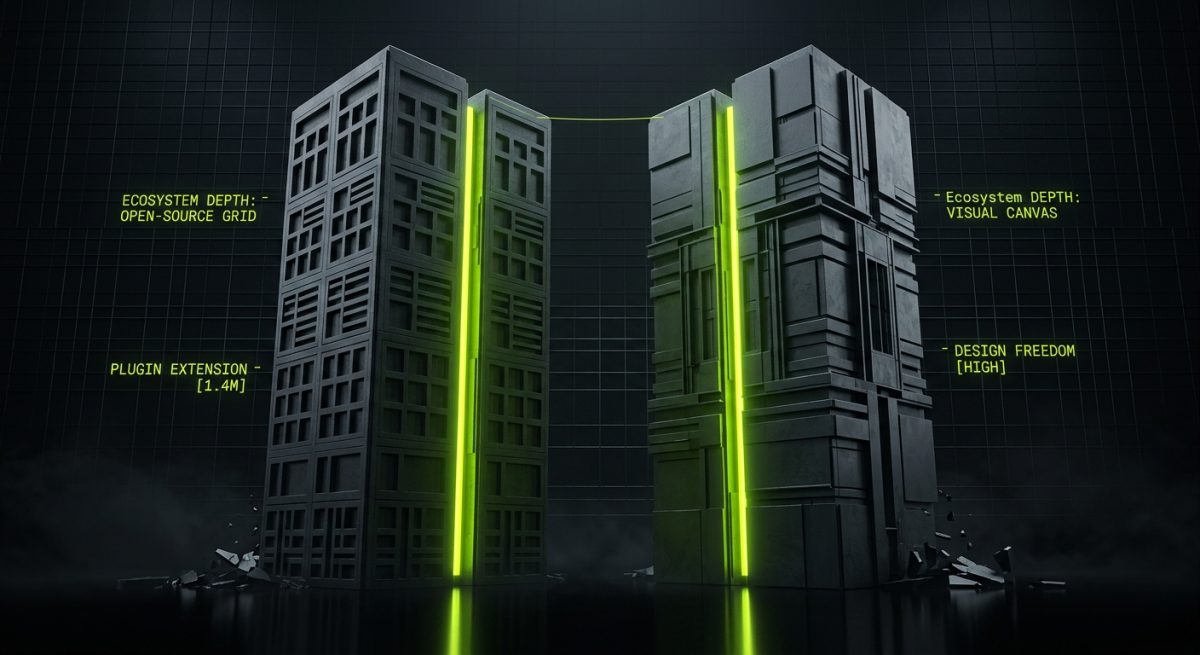
The CMS market in 2026 includes credible alternatives: Contentful, Sanity, Prismic, Ghost, Framer, Squarespace, and a growing list of AI-native content platforms. Each has genuine strengths. None has displaced WordPress or Webflow from their respective positions, and the reasons are structural.
Ecosystem Depth Is a Compounding Advantage
WordPress has 20+ years of ecosystem development. The number of developers who know it, the number of integrations that support it, the number of hosting providers optimized for it, and the number of businesses already running on it creates a network effect that is genuinely difficult to compete with. Switching costs are real, but more importantly, the depth of available expertise and tooling is real.
Webflow's ecosystem, while younger, has developed with unusual speed. The Webflow community, the Marketplace, the University, and the growing ecosystem of purpose-built tools (Relume for component libraries, Finsweet for CMS utilities, Memberstack for auth) have created a platform that is increasingly self-sufficient for the use cases it targets.
The Headless Option Without Full Headless Complexity
Both platforms now offer credible headless or hybrid options without requiring teams to commit fully to a headless architecture. WordPress as a REST API or GraphQL backend (via WPGraphQL) is a legitimate production pattern used by major publishers and enterprise sites. Webflow's API enables programmatic content management and can feed content to external front-ends.
This flexibility matters enormously for B2B clients who need to evolve their architecture over time. A company can start with a traditional WordPress or Webflow implementation, then migrate specific parts of the stack to headless as their requirements grow — without abandoning the platform investment they have already made.
Performance and Core Web Vitals
The performance narrative around WordPress has shifted. With proper implementation — optimized block themes, server-side caching, image optimization, and a managed hosting infrastructure — WordPress sites consistently achieve Core Web Vitals scores that meet Google's thresholds. This is not automatic; it requires deliberate engineering. But it is achievable, and we build to those standards on every project.
Webflow's output has always been clean. The platform generates semantic HTML, handles responsive images natively, and produces CSS that, when the class architecture is well-designed, is not bloated. Webflow sites built professionally regularly score 90+ on Lighthouse without additional optimization work.
Total Cost of Ownership for B2B Organizations
For B2B organizations evaluating platform decisions, total cost of ownership over a three-to-five year horizon is the relevant metric — not initial build cost. Both WordPress and Webflow offer favorable TCO profiles when implemented correctly:
- WordPress: Higher initial development investment for complex builds, but lower ongoing platform costs, full ownership of the codebase, and a vast talent pool for future development work
- Webflow: Faster time-to-launch for marketing sites, predictable monthly platform costs, and a visual editing environment that reduces developer dependency for content and design changes
The choice between them is not a question of which is better — it is a question of which is better for the specific use case. Content-heavy platforms, complex e-commerce, and systems requiring deep backend integration tend toward WordPress. Brand-forward marketing sites, design-led product pages, and organizations prioritizing editorial autonomy tend toward Webflow.
At werun.dev, we work with both platforms at a professional level precisely because the right answer depends on the project — and a team that can only recommend one platform is not giving objective advice.