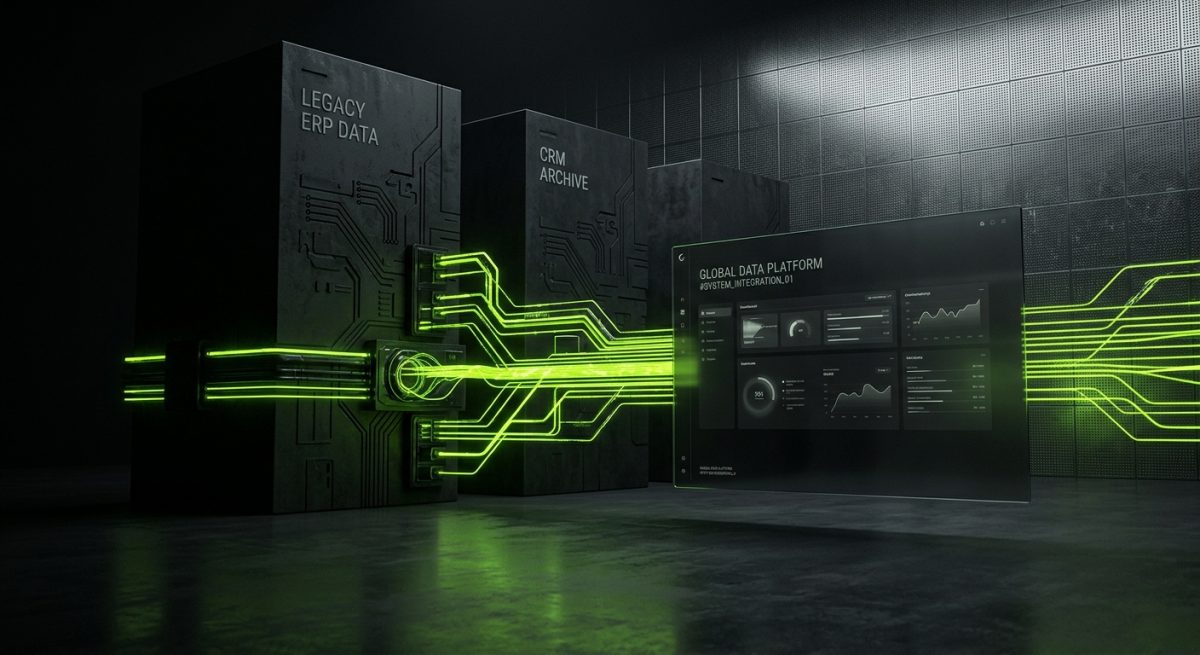
Enterprise organizations rarely operate from a single platform. A mid-sized manufacturer might run SAP for ERP, Salesforce for CRM, a custom-built inventory system from 2009, and a modern e-commerce storefront — all simultaneously. When a business decides to build or rebuild its web presence on WordPress, Webflow, or Shopify, the real technical challenge isn't the frontend. It's connecting that new digital surface to the complex, often decades-old infrastructure underneath it.
API and legacy system integrations are where web projects succeed or fail at the enterprise level. Understanding the architectural decisions, security considerations, and practical patterns involved is essential for any B2B team serious about delivering durable, scalable solutions.
Understanding the Legacy Integration Landscape
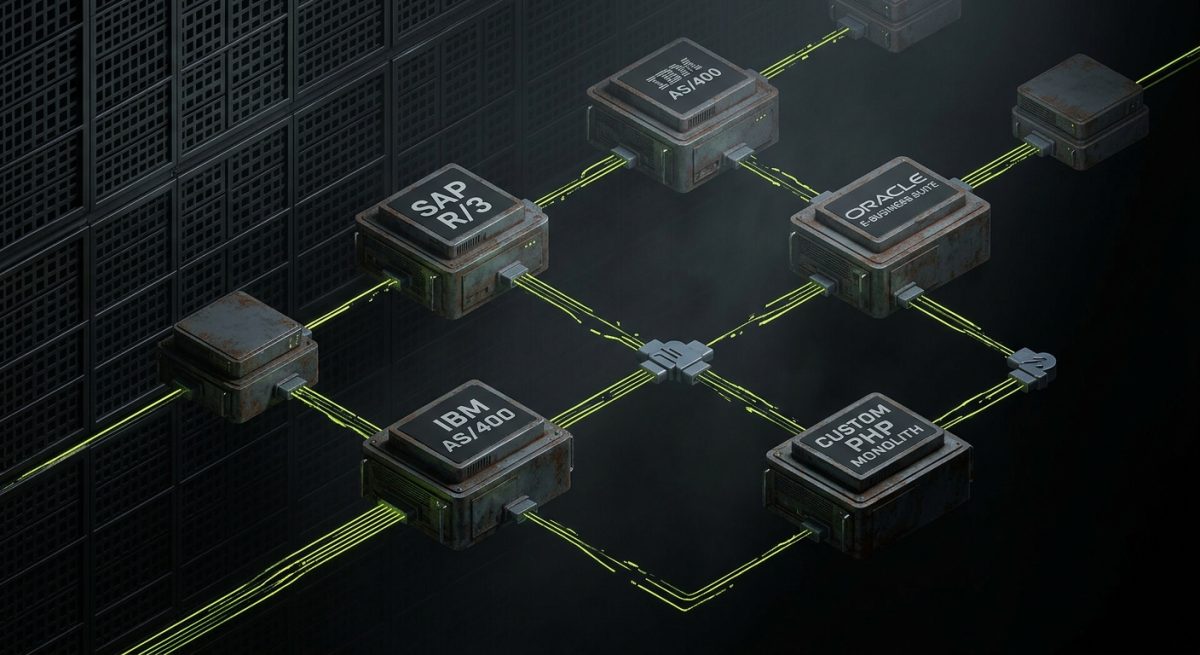
Legacy systems in enterprise environments are not simply "old software." They are mission-critical infrastructure that has accumulated years of business logic, data relationships, and operational dependencies. Replacing them outright is rarely feasible — the cost, risk, and disruption are prohibitive. Instead, the goal is to expose their functionality and data to modern web layers through well-defined integration points.
What Qualifies as a Legacy System?
For the purposes of web integration projects, a legacy system typically shares one or more of these characteristics:
- No native REST or GraphQL API — Communication happens via SOAP, XML-RPC, flat-file exchange, or proprietary protocols
- On-premise deployment — The system runs on internal servers with no public internet exposure
- Monolithic architecture — Business logic is tightly coupled and cannot be easily extracted
- Outdated authentication mechanisms — Basic auth, IP whitelisting, or custom session tokens instead of OAuth 2.0 or JWT
- Batch processing models — Data is exchanged in scheduled intervals rather than real-time events
Common examples include IBM AS/400 systems, Oracle E-Business Suite, SAP R/3, Microsoft Dynamics GP, and custom-built applications running on PHP 5.x or older Java frameworks. These systems often power core operations — inventory, pricing, order management, customer records — that a new website must reflect accurately.
The Integration Spectrum
Not all integrations carry the same complexity or risk. It helps to categorize them before scoping a project:
Read-only data display — The website pulls data from the legacy system for display purposes (product catalog, branch locator, pricing tables). Errors cause display issues but don't corrupt source data.
Write-back transactions — The website submits data to the legacy system (order placement, lead capture, account creation). Errors here have direct business consequences.
Bidirectional sync — Data flows both ways and must remain consistent across systems. This is the highest-complexity category and requires robust conflict resolution logic.
Establishing which category each integration falls into early in a project shapes every subsequent architectural decision, from middleware selection to error handling strategy.
Organizational Realities That Shape Technical Decisions
Enterprise integration projects don't happen in a technical vacuum. Several organizational factors consistently influence outcomes:
- IT governance and change management — Legacy system owners often require formal change requests, testing windows, and approval cycles before exposing any endpoint
- Data sovereignty requirements — Regulated industries (healthcare, finance, government) impose strict rules about where data can travel and how it must be encrypted
- Vendor lock-in constraints — Some legacy systems are maintained by third-party vendors who control API access and charge for integration licenses
- Internal skill gaps — The team that understands the legacy system may have no familiarity with modern web architectures, requiring careful knowledge transfer
A successful integration engagement acknowledges these realities upfront rather than treating them as obstacles to be minimized.
Architectural Patterns for Enterprise API Integration

Choosing the right integration architecture determines whether a system remains maintainable over time or becomes a brittle collection of point-to-point hacks. Enterprise web integrations generally follow one of several established patterns, each with distinct trade-offs.
The Middleware / Integration Layer Pattern
Rather than connecting a WordPress or Shopify instance directly to a legacy system, a middleware layer sits between them. This layer handles protocol translation, authentication, data transformation, and error handling. The web platform communicates only with the middleware via clean REST or GraphQL endpoints.
Popular middleware options include:
- MuleSoft Anypoint — Enterprise-grade, widely used in SAP and Salesforce ecosystems
- Azure Integration Services — Strong fit for Microsoft-stack environments (Dynamics, SharePoint)
- AWS API Gateway + Lambda — Flexible, cost-effective for custom integration logic
- n8n or Make (Integromat) — Lower-code options suitable for less complex sync scenarios
- Custom Node.js or Python microservices — Maximum control, higher maintenance responsibility
The middleware pattern offers significant advantages: the legacy system is never directly exposed to the internet, business logic changes in the middleware don't require frontend deployments, and multiple web properties can consume the same integration layer.
// Example: WordPress calling a middleware endpoint
// instead of the legacy ERP directly

async function fetchInventoryLevel(productSku) {
  const response = await fetch(
    `https://middleware.company.com/api/v1/inventory/${productSku}`,
    {
      headers: {
        'Authorization': `Bearer ${process.env.MIDDLEWARE_API_TOKEN}`,
        'Content-Type': 'application/json'
      }
    }
  );

  if (!response.ok) {
    throw new Error(`Inventory fetch failed: ${response.status}`);
  }

  return response.json();
}
Event-Driven Integration with Webhooks and Message Queues
For scenarios where real-time data accuracy is critical — order status updates, inventory changes, pricing adjustments — a polling-based approach creates unnecessary load and latency. Event-driven architectures solve this by having systems emit events when state changes occur.
The implementation typically involves:
- Message broker (RabbitMQ, Apache Kafka, AWS SQS) receiving events from the legacy system
- Consumer service processing events and updating the web platform via API
- Dead letter queues capturing failed events for retry or manual review
When a legacy system cannot emit events natively, a change data capture (CDC) approach monitors database transaction logs and generates events from detected changes — without modifying the legacy application itself.
API Gateway with Adapter Services
For organizations with multiple legacy systems, an API gateway pattern creates a unified entry point. Individual adapter services handle the specifics of communicating with each legacy system, translating their proprietary formats into a standardized internal schema.
This pattern scales well because adding a new legacy system means writing a new adapter, not modifying existing integrations. It also centralizes cross-cutting concerns like rate limiting, authentication, and logging.
Caching Strategies for Legacy System Performance
Legacy systems are rarely designed for the request volumes a public-facing website can generate. Caching is not optional — it's a fundamental requirement.
Effective caching strategies for legacy integrations:
- TTL-based caching for data that changes infrequently (product descriptions, branch information)
- Cache invalidation via webhooks when the legacy system can signal changes
- Stale-while-revalidate patterns for data where slight staleness is acceptable
- Redis or Memcached as the caching layer between middleware and web platform
A well-configured cache can reduce legacy system load by 80–95% for read-heavy workloads, protecting systems that were never designed for web-scale traffic.
Implementation Considerations for WordPress, Webflow, and Shopify
Each major web platform has distinct integration capabilities and constraints that shape how enterprise connections are implemented. Treating them identically leads to architectural mismatches that create problems at scale.
WordPress Integration Approaches
WordPress offers the most flexibility of the three platforms, which is both an advantage and a responsibility. Integration logic can live in custom plugins, theme functions, or external services — the choice matters for maintainability.
Recommended approach: Encapsulate all integration logic in a dedicated custom plugin, separate from theme code. This plugin registers REST API endpoints that the frontend consumes, and handles all communication with middleware or external APIs.
<?php
// Register a custom REST endpoint that proxies legacy ERP data
add_action('rest_api_init', function() {
  register_rest_route('company/v1', '/pricing/(?P<sku>[a-zA-Z0-9-]+)', [
    'methods'             => 'GET',
    'callback'            => 'get_legacy_pricing',
    'permission_callback' => 'verify_api_request',
    'args'                => [
      'sku' => [
        'required'          => true,
        'sanitize_callback' => 'sanitize_text_field',
      ]
    ]
  ]);
});

function get_legacy_pricing(WP_REST_Request $request) {
  $sku = $request->get_param('sku');
  $cache_key = 'pricing_' . $sku;

  $cached = get_transient($cache_key);
  if ($cached !== false) {
    return rest_ensure_response($cached);
  }

  $response = wp_remote_get(
    MIDDLEWARE_BASE_URL . '/pricing/' . $sku,
    ['headers' => ['Authorization' => 'Bearer ' . MIDDLEWARE_TOKEN]]
  );

  if (is_wp_error($response)) {
    return new WP_Error('erp_unavailable', 'Pricing service unavailable', ['status' => 503]);
  }

  $data = json_decode(wp_remote_retrieve_body($response), true);
  set_transient($cache_key, $data, 300); // Cache for 5 minutes

  return rest_ensure_response($data);
}
For WooCommerce specifically, integrations often target inventory sync, order submission to ERP, and customer account data. WooCommerce's action and filter hooks provide clean injection points for this logic without modifying core files.
Webflow Integration Approaches
Webflow's CMS and Logic features handle simpler integration scenarios, but enterprise requirements almost always push beyond what native Webflow tooling supports. The standard pattern involves:
- Webflow CMS populated via the Webflow Data API from an external sync service
- Custom JavaScript embedded in Webflow pages for dynamic, user-specific data
- Webflow Logic (or Zapier/Make) for lightweight workflow triggers
- External backend services (Node.js, Python) handling the actual legacy system communication
A critical limitation: Webflow does not support server-side code execution within the platform itself. Any integration requiring server-side logic — authentication, data transformation, secure API calls — must live in an external service. This is a non-negotiable architectural constraint for enterprise projects.
For CMS-driven content that originates in a legacy system (product catalogs, service listings, location data), a scheduled sync service pulls from the legacy system, transforms the data, and pushes to Webflow via its API. Change detection logic prevents unnecessary API calls and respects Webflow's rate limits.
Shopify Integration Approaches
Shopify's integration ecosystem is the most mature of the three platforms, with established patterns for ERP, WMS, and PIM connectivity. The primary integration surfaces are:
- Shopify Admin API — For product, order, customer, and inventory management
- Shopify Storefront API — For custom frontend experiences with headless architectures
- Shopify Functions — For customizing checkout logic without external services
- Shopify Flow — For automating internal workflows based on triggers
For enterprise ERP integration, the recommended pattern is a dedicated integration app (private or custom) that listens to Shopify webhooks for order events and submits them to the legacy system, while also syncing inventory and pricing back to Shopify on a schedule or via event triggers.
Security Requirements Across All Platforms
Regardless of platform, enterprise integrations must address a consistent set of security requirements:
- Secrets management — API keys, tokens, and credentials stored in environment variables or dedicated vaults (AWS Secrets Manager, HashiCorp Vault), never in source code or CMS settings
- Network-level restrictions — Legacy systems accessible only from known IP ranges; middleware deployed with appropriate firewall rules
- Payload validation — All incoming data validated and sanitized before processing or storage
- Audit logging — Every integration transaction logged with sufficient detail for debugging and compliance review
- Error handling that doesn't leak information — Generic error messages to end users; detailed errors only in server-side logs
Enterprise clients in regulated industries will often require evidence of these controls as part of vendor assessment processes. Documenting integration security architecture is as important as implementing it correctly.


