
The Migration Trend Nobody Is Talking About Honestly
Over the past three years, a noticeable pattern has emerged across B2B web development engagements: marketing teams at mid-sized companies arrive with a mandate to "get off WordPress" and move to Webflow. Sometimes that decision is well-reasoned. Often it isn't. The conversation deserves more nuance than the Webflow marketing machine tends to provide.
WordPress powers roughly 43% of all websites on the internet. Webflow, by contrast, holds under 2% of the CMS market. Yet Webflow's growth trajectory among design-led marketing teams is real, and the reasons behind it are worth examining carefully — not to declare a winner, but to help businesses make an informed platform decision that won't cost them a painful re-migration 18 months later.
The core tension is this: WordPress is an open-source platform built for developers, extended by a global ecosystem of plugins and themes, and capable of handling virtually any requirement you can articulate. Webflow is a SaaS visual development platform designed to give designers direct control over production-quality websites without writing code. These are fundamentally different tools solving different problems. The mistake most companies make is treating the choice as a quality upgrade rather than a strategic trade-off.
What's Actually Driving the Switch
When you strip away the hype, three genuine pain points push companies toward Webflow:
Developer dependency for content updates. On a poorly architected WordPress site — one built with a page builder like Divi or Elementor, or a rigid premium theme — making even minor layout changes requires developer involvement. Marketing teams feel blocked. Webflow's visual editor genuinely solves this by giving non-technical users a WYSIWYG canvas that maps directly to production HTML and CSS.
Plugin bloat and maintenance overhead. Many WordPress sites accumulate plugins the way servers accumulate technical debt. A contact form plugin, an SEO plugin, a caching plugin, a security plugin, a backup plugin, a social sharing plugin — each one a potential vulnerability, each one requiring updates, each one capable of conflicting with the next. When a site has 40+ active plugins and no clear ownership, the maintenance burden becomes real. Webflow sidesteps this by handling hosting, security, and performance infrastructure natively.
Perceived performance and security advantages. Webflow hosts on AWS and Fastly's global CDN. Out of the box, a Webflow site is fast. WordPress can absolutely match or exceed Webflow's performance — we routinely deliver WordPress builds scoring 95+ on Core Web Vitals — but it requires intentional architecture: a quality host like WP Engine or SiteGround, proper caching configuration, image optimization, and disciplined plugin management. Companies that haven't had that guidance often end up with slow, vulnerable WordPress sites and conclude the platform is the problem.
None of these pain points are inherent to WordPress. They're symptoms of poor implementation. But that distinction doesn't help a marketing director who's been waiting three weeks for a developer to move a button.
When Migrating to Webflow Actually Makes Sense
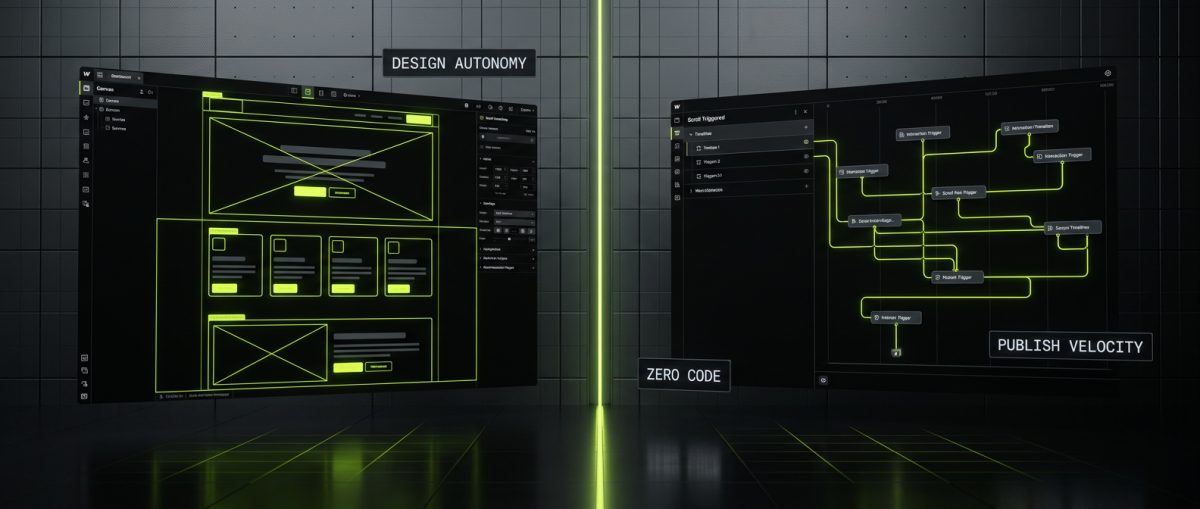
There are legitimate scenarios where Webflow is the right call, and intellectual honesty demands acknowledging them directly.
Marketing-First Sites With Low Content Complexity
If your website is primarily a marketing vehicle — a homepage, service pages, a blog, a careers section, and a contact form — and your team's primary frustration is design autonomy, Webflow is a strong fit. The platform's CMS is capable enough for standard content types, and the visual editor genuinely empowers designers to iterate quickly without touching code.
SaaS companies, professional services firms, and B2B brands with relatively static content structures often find that Webflow reduces their time-to-publish significantly. When the marketing team owns the site and the development team doesn't need to be involved in day-to-day content operations, the operational benefits are real.
Design-Heavy Campaigns and Landing Pages
Webflow's interaction engine is genuinely impressive. Scroll-triggered animations, complex hover states, parallax effects, and micro-interactions that would require custom JavaScript in WordPress can be configured visually in Webflow. For brands where the website is a primary differentiator and design fidelity is non-negotiable, Webflow gives designers a level of control that no WordPress page builder can match without significant custom development.
Teams Without a Dedicated WordPress Developer
WordPress rewards teams that have — or have access to — a developer who understands the platform's architecture. Hooks, filters, the WP REST API, custom post types, capability management: these are the building blocks of a well-engineered WordPress site. Without that expertise, WordPress devolves into a plugin dependency nightmare.
If a company genuinely cannot retain or contract WordPress development expertise, and their requirements don't exceed what Webflow's CMS can handle, the simpler platform is the pragmatic choice. The best tool is the one your team can actually maintain.
The Webflow Limitations Worth Knowing
Before committing to a migration, these constraints deserve explicit consideration:
- Webflow's CMS has a hard limit of 10,000 items per collection — a ceiling that content-heavy sites hit faster than expected
- E-commerce functionality is limited compared to WooCommerce; complex product configurations, B2B pricing rules, subscription billing, and ERP integrations are either impossible or require significant workarounds
- Vendor lock-in is real — your content, your design, and your hosting are tied to Webflow's platform and pricing decisions
- Custom functionality requires custom code — and Webflow's custom code implementation is less elegant than WordPress's plugin architecture for complex requirements
- Localization and multilingual support lags behind WordPress + WPML or Polylang for serious international deployments
Migrating to Webflow to escape maintenance complexity is rational. Migrating to Webflow and discovering 12 months later that you need functionality the platform can't support is expensive.
When You Absolutely Should Not Migrate Away from WordPress
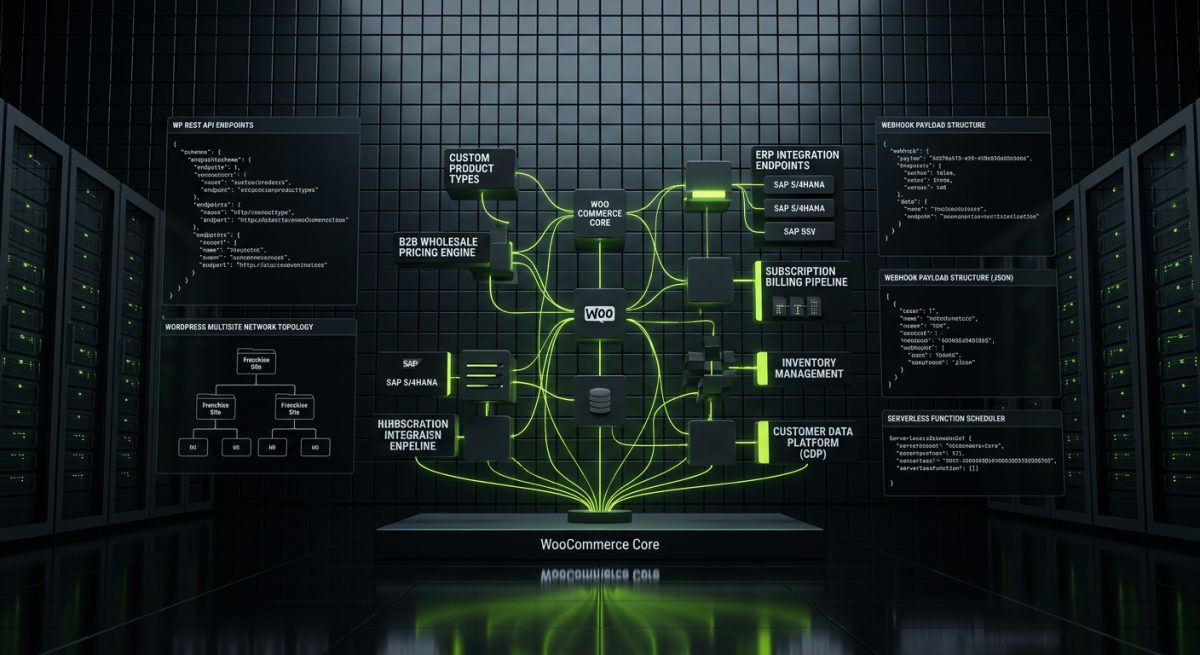
This is where the honest conversation becomes most valuable — and where the Webflow sales narrative tends to go quiet.
Complex E-Commerce Requirements
If your business runs on WooCommerce — or needs to — WordPress is not the problem. WooCommerce is the most extensible e-commerce platform available. Custom product types, variable pricing by customer group, wholesale portals, subscription billing, integration with your ERP or 3PL, custom checkout logic: these are all achievable with properly engineered WooCommerce development.
Webflow's native e-commerce is designed for straightforward direct-to-consumer stores. The moment you need B2B wholesale functionality, custom payment gateway logic, or real ERP integration, you've outgrown what Webflow can deliver. Companies that migrate from WooCommerce to Webflow for e-commerce almost universally regret it.
At werun.dev, WooCommerce builds represent some of our most technically demanding work — custom product types, subscription systems, B2B pricing engines, and deep integrations with fulfillment platforms. None of that complexity disappears by switching platforms; it just becomes unsolvable.
Custom Application Logic
WordPress's REST API, custom post types, taxonomies, and meta fields make it a capable application framework, not just a CMS. If your site includes a member portal, a booking system, a directory, a multi-step application workflow, or any feature that requires custom data modeling and business logic, WordPress is the appropriate foundation.
The WP REST API enables WordPress to serve as a headless backend for React or Next.js frontends, to power mobile applications, and to integrate with virtually any third-party system via webhooks and API endpoints. This extensibility is a structural advantage that Webflow cannot replicate.
Multisite and Enterprise Deployments
WordPress Multisite allows a single WordPress installation to manage a network of sites — essential for franchise businesses, multi-brand portfolios, university systems, or regional microsites that share a common codebase. Webflow has no equivalent. Enterprise organizations with complex content governance requirements, role-based access controls, and editorial workflows will find WordPress's architecture significantly more capable.
The Real Fix Is Often Better WordPress Development
The most common scenario we encounter: a company is frustrated with their WordPress site and considering migration. After an audit, the actual problems are a poorly structured theme, excessive plugin dependencies, no caching layer, a shared hosting environment, and no development standards in place.
The fix isn't a platform migration. It's a properly engineered WordPress rebuild — custom plugin development using WordPress APIs with proper nonces, capability checks, sanitization and escaping; a clean block theme built for Full Site Editing; WP Engine or SiteGround hosting with object caching; and a GitHub-powered deployment workflow that keeps every custom plugin current through automated updates.
That rebuild costs a fraction of a full platform migration and delivers a site the team can actually use and maintain. The platform wasn't the problem. The implementation was.
If your WordPress site is slow, insecure, or impossible to edit without a developer, those are solvable problems. Before authorizing a migration budget, it's worth getting an honest technical assessment of whether the platform is actually the bottleneck — or whether better engineering would solve everything you're trying to escape.