werun.Toolkit
The plugin on every WordPress site we run: security, email delivery, an activity log and a branded sign-in, one switch per module.
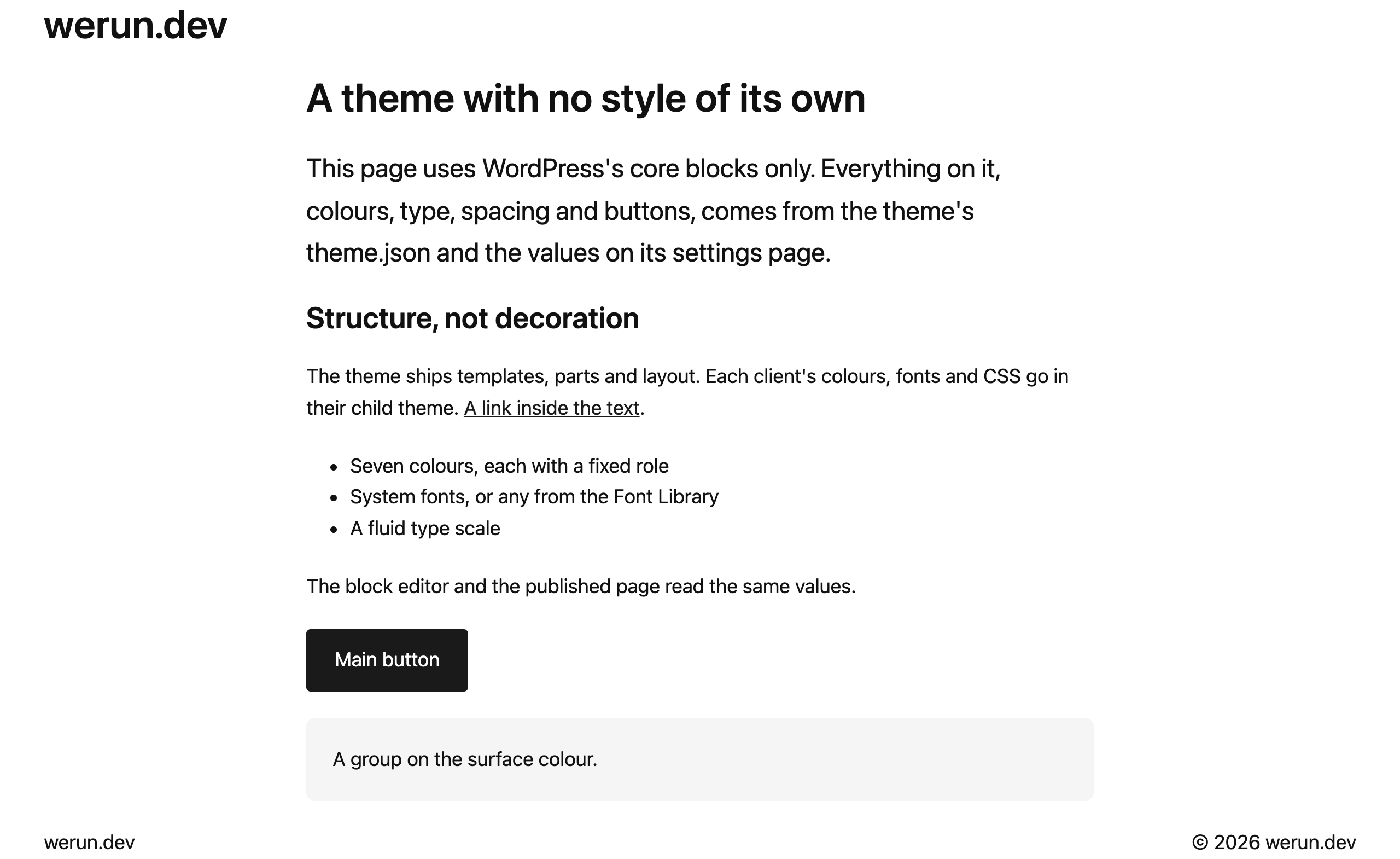
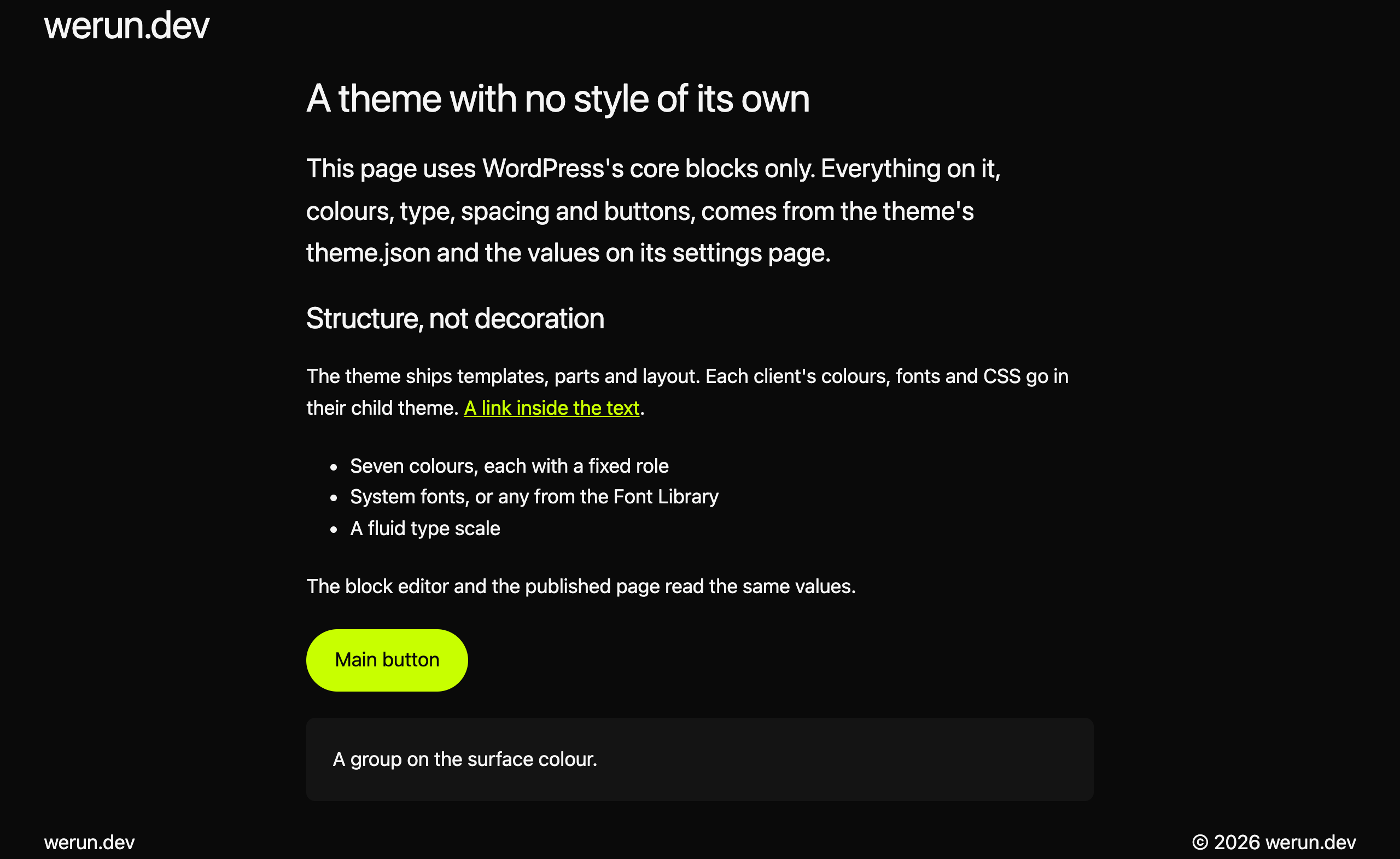
Written into theme.json, so the editor and the page match
Included on the sites we build, with its child theme
Blocks use the role, so a new value never breaks them
Structure only: the CSS on a site is the client’s
The parent is ours and the child is the client's. Keeping them apart is what lets one be updated and the other never be.
Four layers, lowest first. Each one overrides the one below it, and the editor and the page read the same result.
The neutral starting point every site shares.
The brand, when it is written into the code.
Only the values changed there, stored apart from the theme.
WordPress's own controls, for anything the settings page does not cover.
Appearance → werun.BlocksTheme writes its values into the theme.json data WordPress reads, through the filter WordPress provides for it, so nothing is generated, cached or copied. Only the values that differ from the theme are stored.
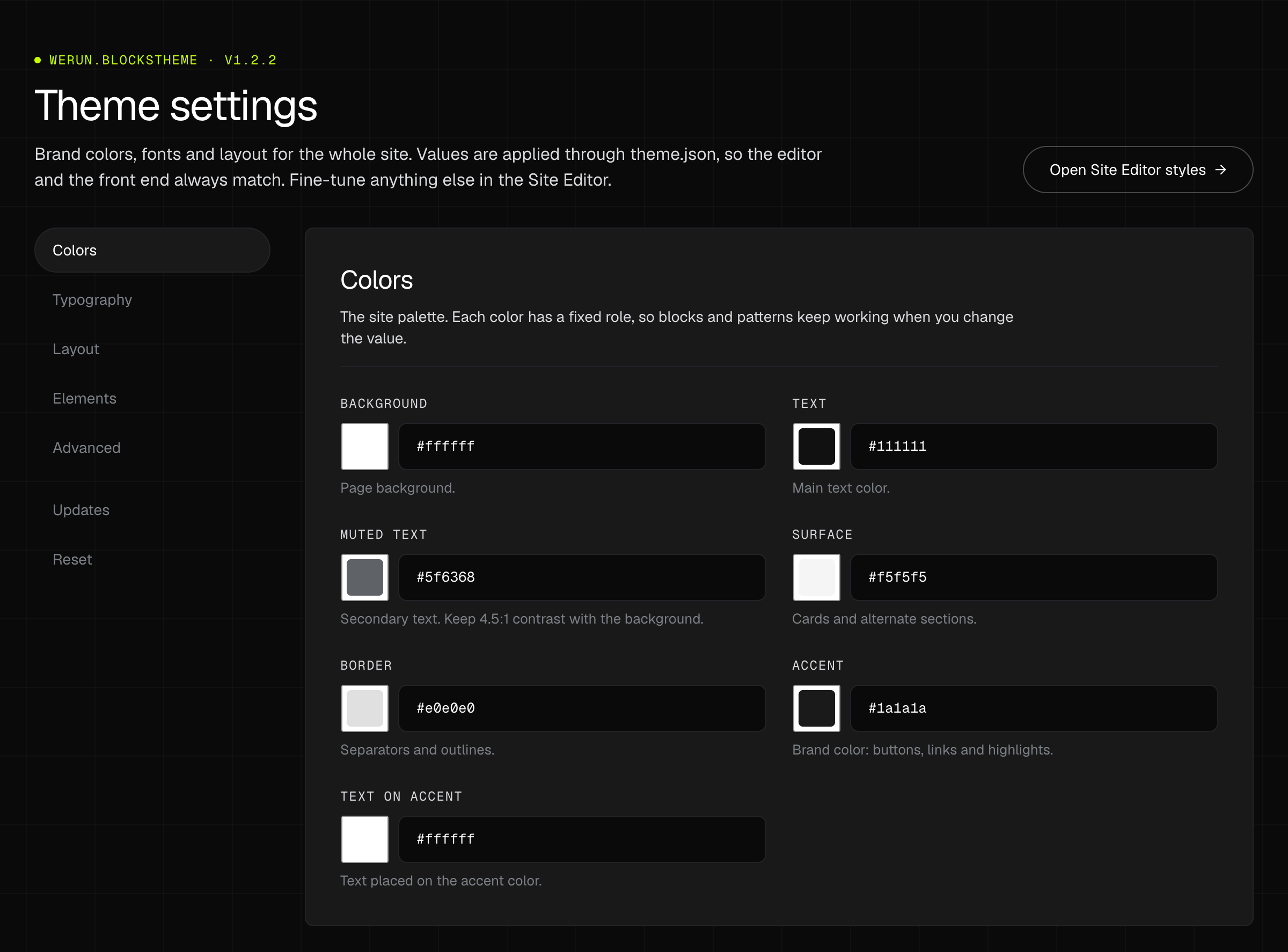 Opens at full size.
One colour per role: background, text, muted text, surface, border, accent and text on the accent. Blocks and patterns use the role, so changing a value never breaks them.
Body and heading fonts, from the theme or from WordPress's Font Library, the body size and line height, the headings' weight, line height and letter spacing, and the type scale on a phone and on a desktop.
The content and wide widths, the space at the sides of the screen, the gap between blocks and the spacing scale every block uses.
Page background and text, link colours at rest and on hover, whether links are underlined, and the buttons’ colours and corners.
Whether the editor offers WordPress's generic colours, gradients and sizes next to the brand's. Off as it ships, so editors pick from the brand.
Three things that can go back to how the theme ships: the settings, the templates saved in the Site Editor and its styles. Content is never touched.
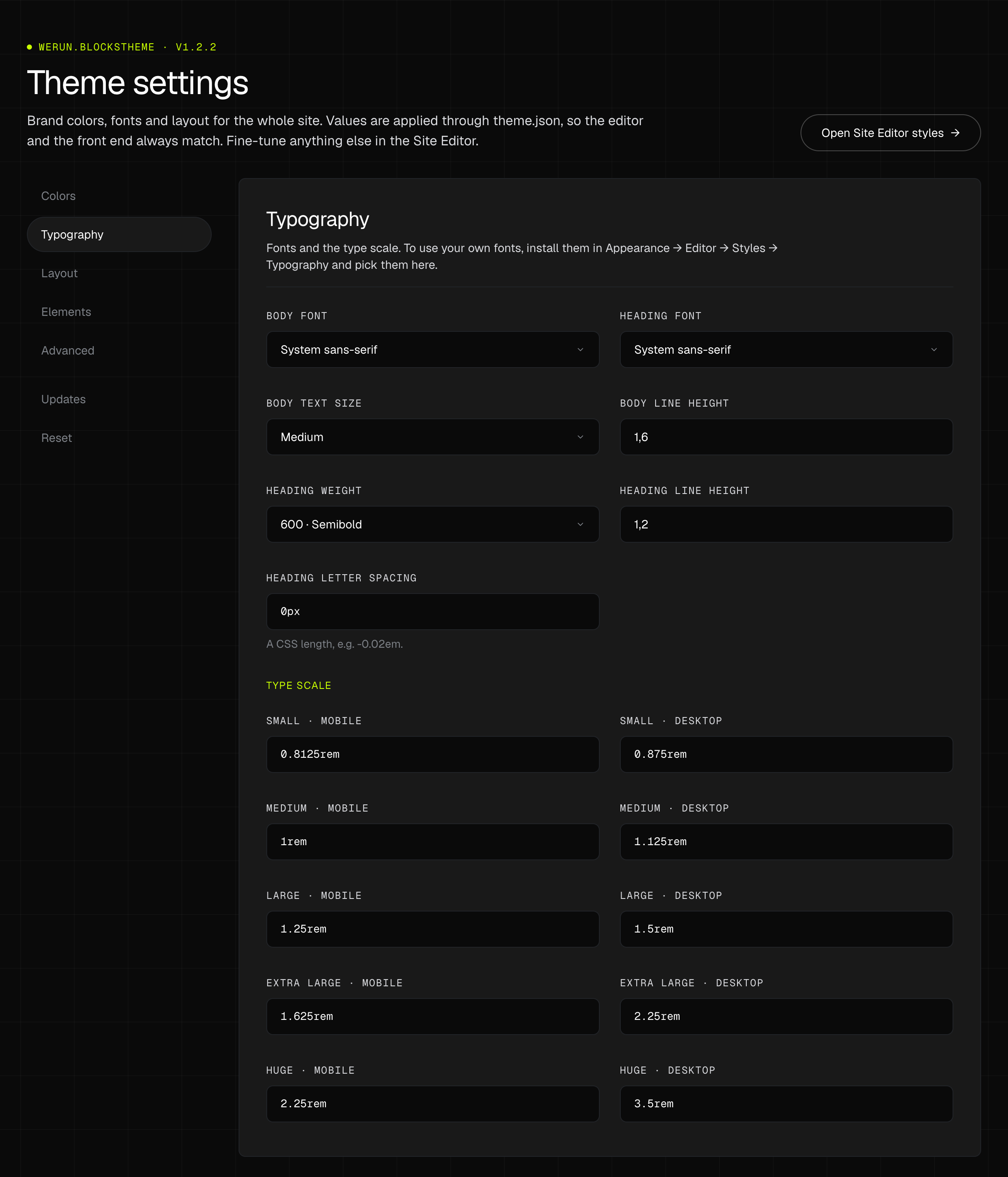 Opens at full size.
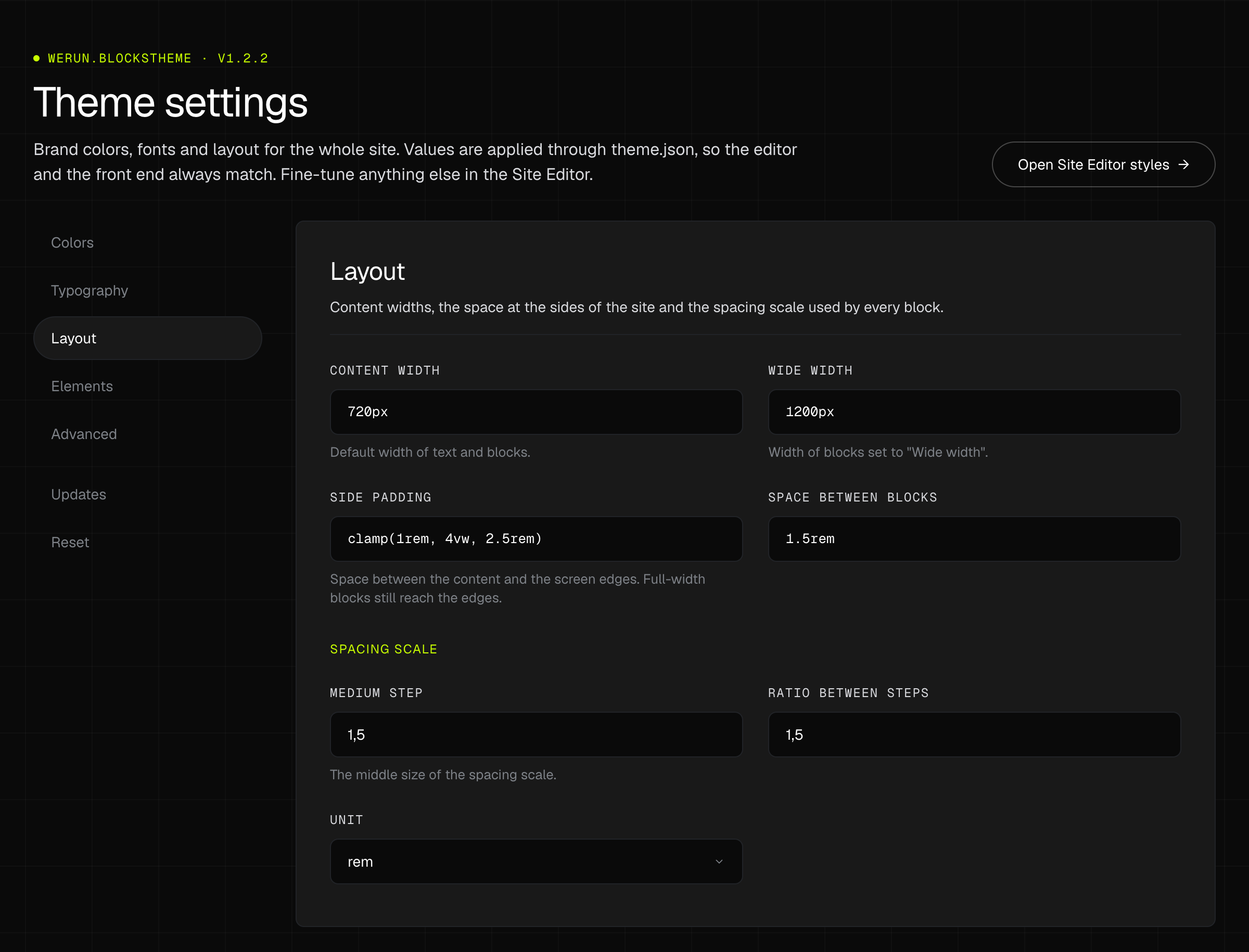 Opens at full size.
A site edited for a year in the Site Editor collects changes nobody remembers making. The Reset tab says what was changed and takes it back, one part at a time.
The values on the settings page, the templates and template parts saved in the Site Editor, and the Site Editor’s styles, Additional CSS included.
Each part is marked as shipped or customised, and lists the settings and templates that differ, before anything is chosen.
Pages, posts, menus and the fonts installed in the Font Library stay as they are.
The reset asks you to confirm that it cannot be undone, and does nothing until you do.
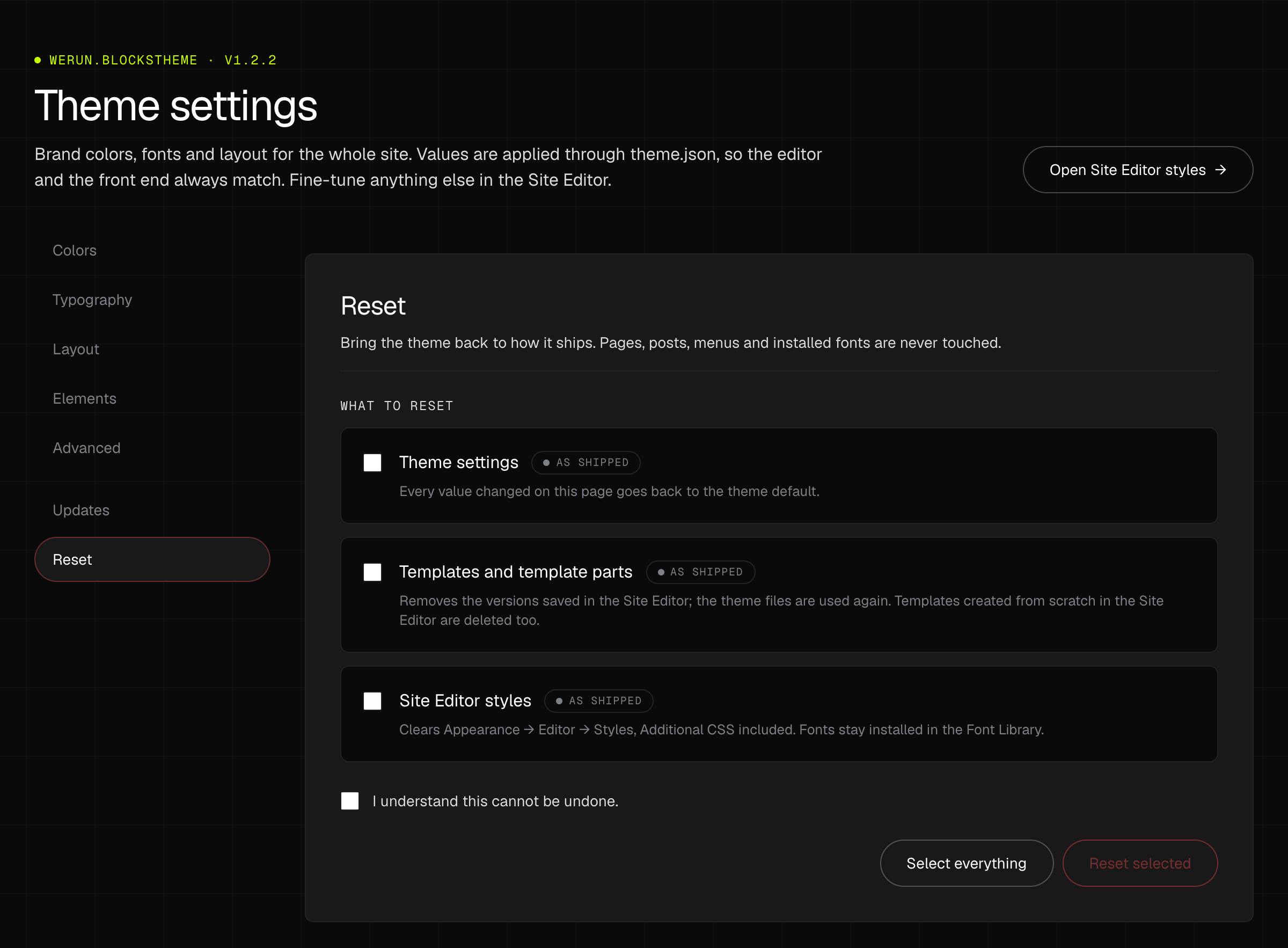 Opens at full size.
Some of the sites we run are built in Elementor. The theme takes them as they are.
None of it runs when Elementor is not active.
Both of Elementor's page templates work, with the theme's own header and footer where the template has them.
All of Elementor Pro's locations are registered. A Pro header or footer replaces the theme's own whenever its display conditions match.
A page built with Elementor drops the content width in every template, so its containers decide how wide they are.
Elementor's page setting hides the page title, with no CSS.
What the parent theme brings to a site, and what it leaves to the client’s child theme and to the blocks.
werun.BlocksTheme costs you nothing: it is included on the WordPress sites we build. The themes a site would use instead are free to start with, so the saving is not a stack of licences. It is the paid tier a site buys when the free one stops short, and the work of undoing a theme’s own look.
| Theme you would use | What its paid tier charges | With werun.BlocksTheme | Here it comes from |
|---|---|---|---|
| Hello Elementor | FreeFree, with no paid tier. Its site-wide colours and fonts live in Elementor's own settings, so it suits sites built entirely in Elementor. | Included | Elementor Canvas, Full Width and the Theme Builder |
| Astra | $69 / yearGlobal colours, type and spacing are free in a limited form. The full controls and the site layouts are in Astra Pro, sold for up to three sites. | Included | The settings page and the Site Editor’s styles |
| GeneratePress | $59 / yearColours and typography are free. Uploading your own fonts, or keeping Google Fonts on the site, is in GP Premium. | Included | WordPress's Font Library, picked on the settings page |
| Blocksy | $69 / yearPalettes and Google Fonts are free. Uploaded fonts, and Google Fonts kept on the site, are in its Personal plan. | Included | WordPress's Font Library, picked on the settings page |
Read on Oct 20, 2026: each theme's page on wordpress.org and its vendor's own pricing page. Every one of them is free to start with; a price is the cheapest paid tier that sells what werun.BlocksTheme does, for one year, in the vendor's currency. A theme does more than its row says: the row is only what it shares with ours.
These are the other themes’ prices, not ours: list prices for one year. A site uses one theme, so they are alternatives and are not added up; the figure is the cheapest of them.
A font is installed once in WordPress's Font Library (Appearance → Editor → Styles → Typography) and then picked on the settings page. A font installed from Google's collection is downloaded to the site, so the page does not ask Google for it.
The theme gives a site its structure and a place to put the brand. The brand, the sections and the content are still the work.
The plugin, the blocks, the theme, the A/B tests and the feedback extension go on the sites we build and run, and we charge nothing for any of them.
The plugin on every WordPress site we run: security, email delivery, an activity log and a branded sign-in, one switch per module.
The Gutenberg block library we write for the sites we build: heroes, pricing tables, FAQs, jobs from your ATS and a query builder for any post type.
A/B and Split URL tests on the sites we run: a 7 KB script, a visual editor on the real page and Bayesian results in our CRM.
Clients click any element of their site and leave a comment. It becomes a task in the CRM project, with a screenshot and the page details.