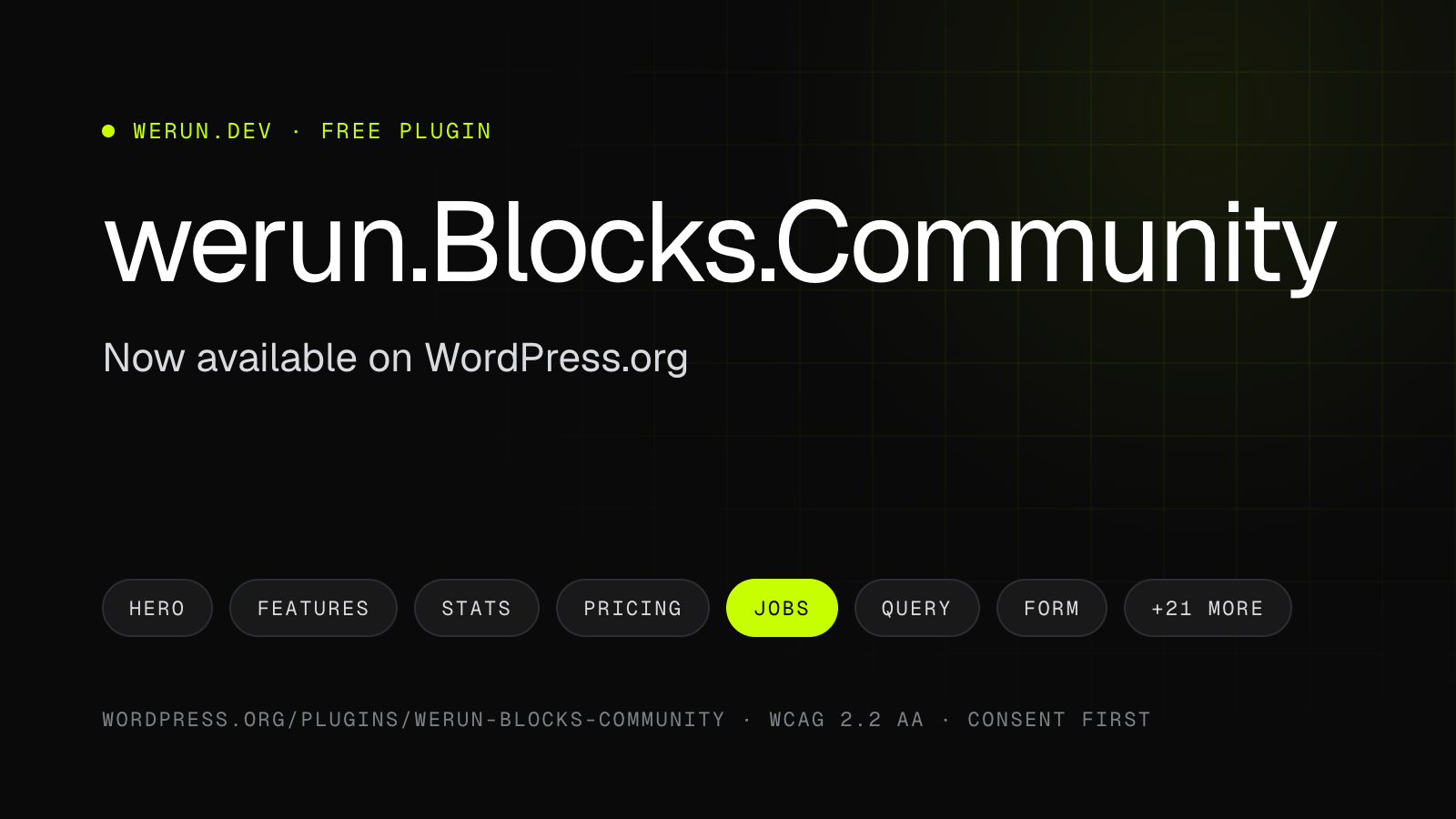
Buenos Aires, October 29, 2026. We have published werun.Blocks.Community, our free collection of blocks for company websites, in the official WordPress plugin directory: wordpress.org/plugins/werun-blocks-community. The plugin passed the WordPress.org plugin team's review and, from today, installs for free on any site running WordPress 6.6 or later.
This is how its directory listing introduces it:
"Accessible corporate blocks that fix their own contrast, wait for cookie consent, and pull jobs from your ATS and content from any post type."
Key takeaways
- werun.Blocks.Community is on WordPress.org: install it from Plugins → Add New Plugin.
- It is free: no license, no activation key and no connection to our servers.
- 20+ blocks that fix their own contrast (WCAG 2.2 AA) and wait for the visitor's consent before loading outside services.
- The code is open source (GPLv2 or later) and lives on GitHub.
What werun.Blocks.Community is
It is a set of blocks for the WordPress editor, built for company websites. It is designed around three things most block libraries leave to whoever builds the site: accessibility that checks itself, privacy by default and real data from the tools a company already uses.
Accessibility that checks itself
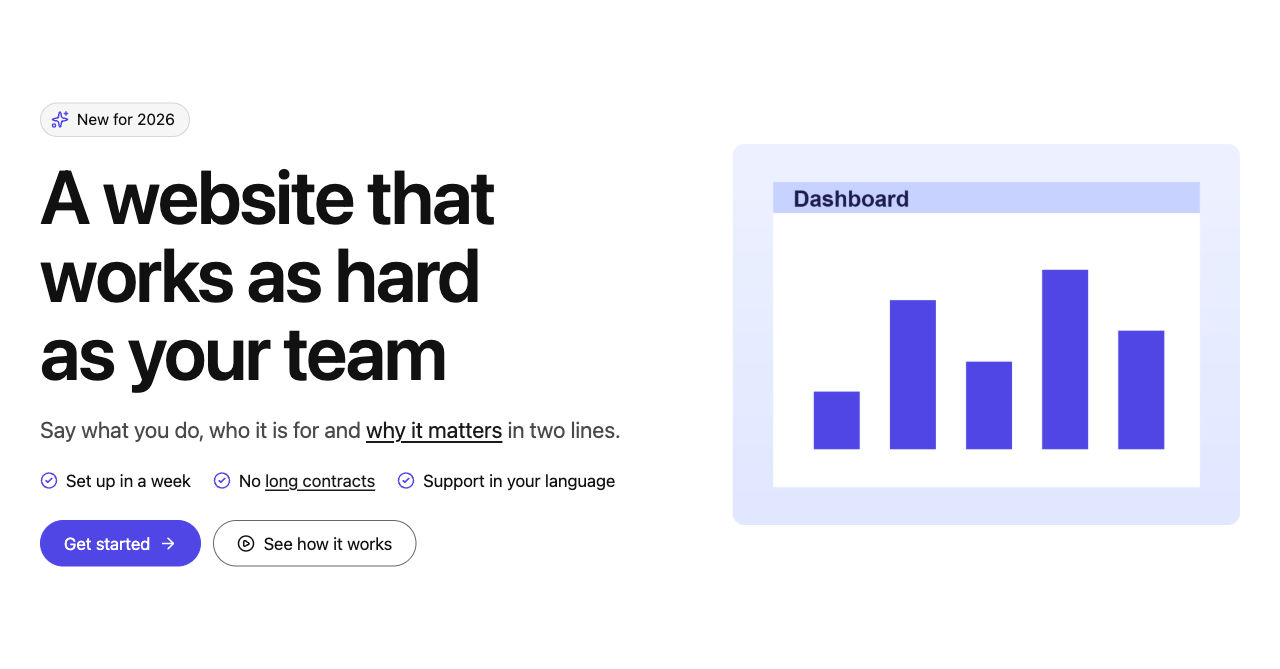
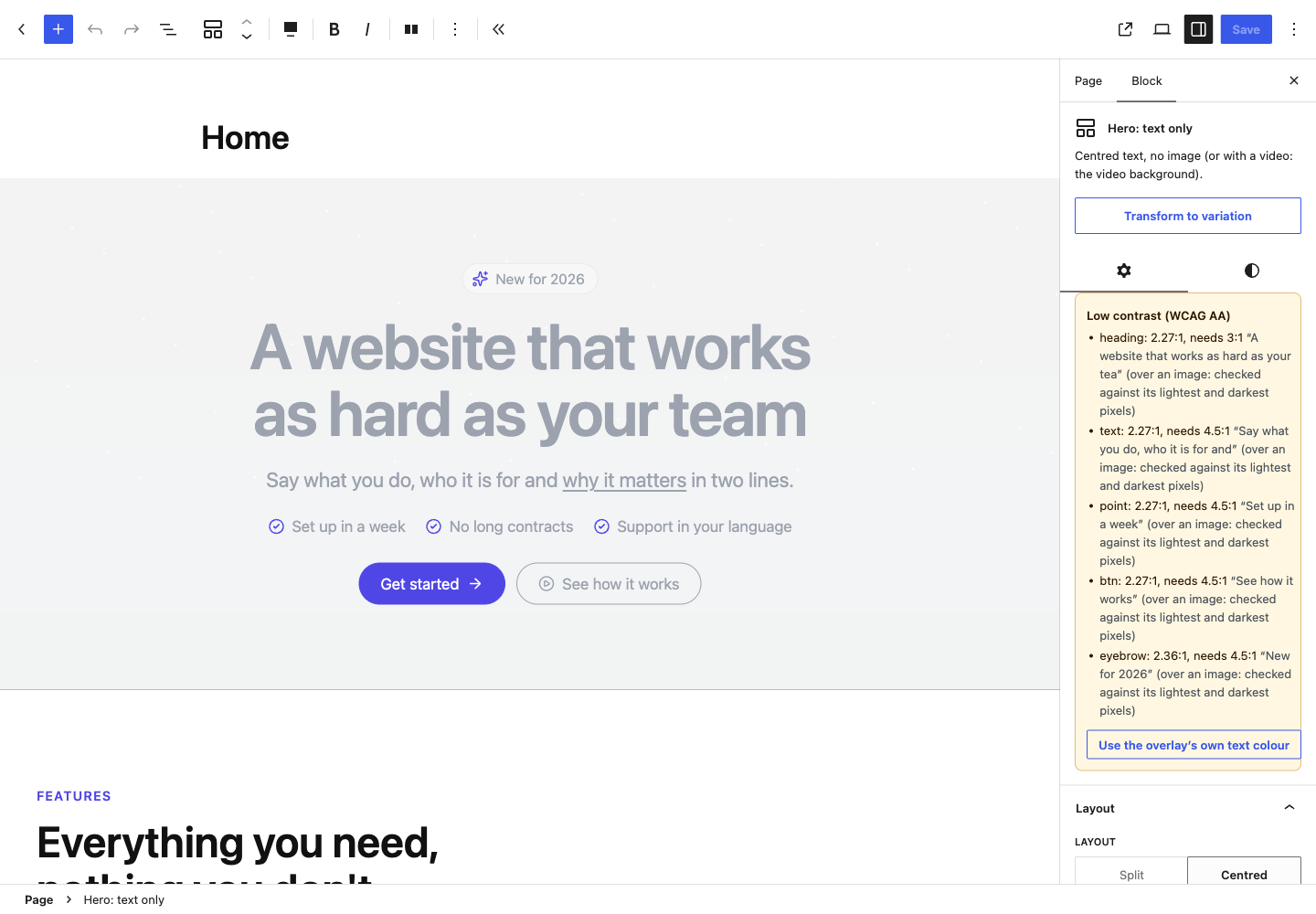
Each block knows the background it sits on: its own colour, an image under a colour overlay or a dark section around it. It uses that to pick text, accent and focus colours that pass WCAG 2.2 AA right there. When an editor's choice still falls short, the sidebar says so, with the contrast ratio of each part, and offers a one-click fix.
Focus is always visible, tabs, accordions, carousels and dialogs follow their ARIA patterns, and anything that moves for more than five seconds can be paused and respects "reduce motion".
Nothing loads before consent
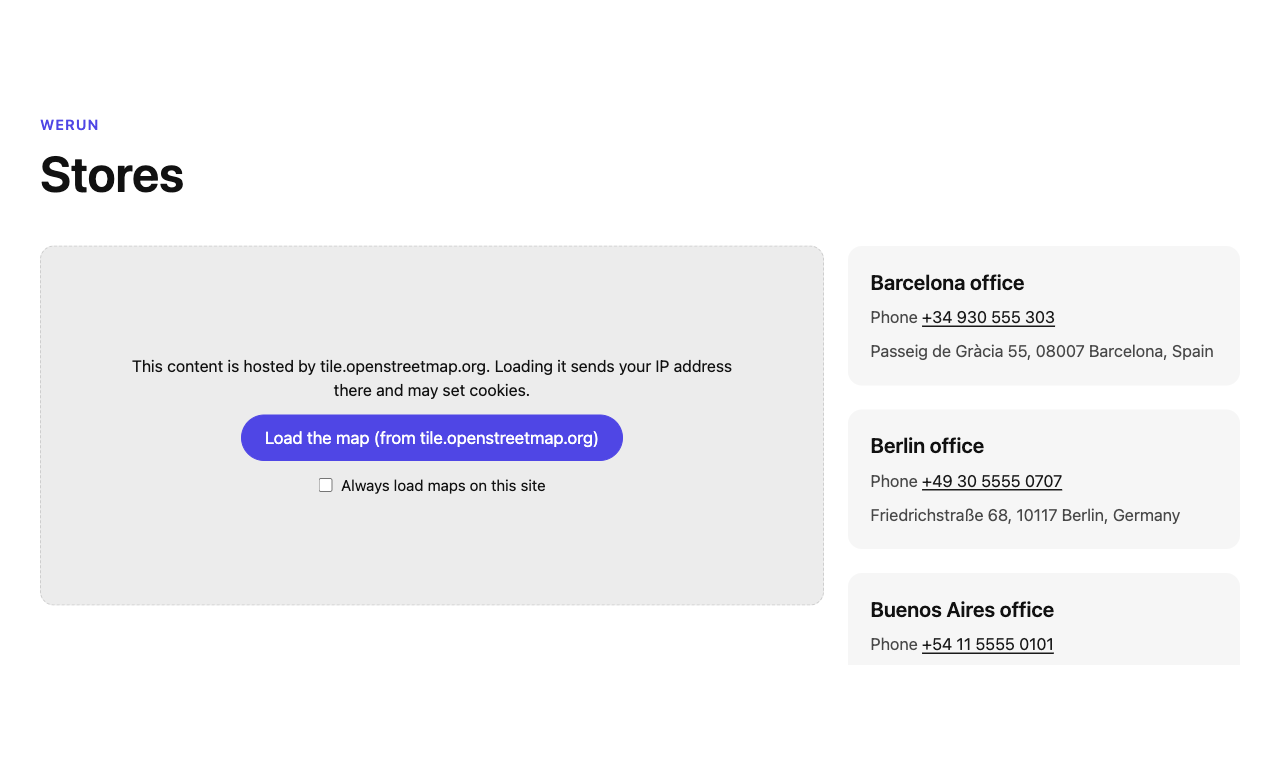
Maps, YouTube and Vimeo videos and third-party forms show a notice until the visitor clicks, or wait for the site's cookie banner (WP Consent API, Complianz, CookieYes, Cookiebot). Leaflet maps and every icon ship inside the plugin: nothing is requested from a CDN.
Real data, from the tools you already use
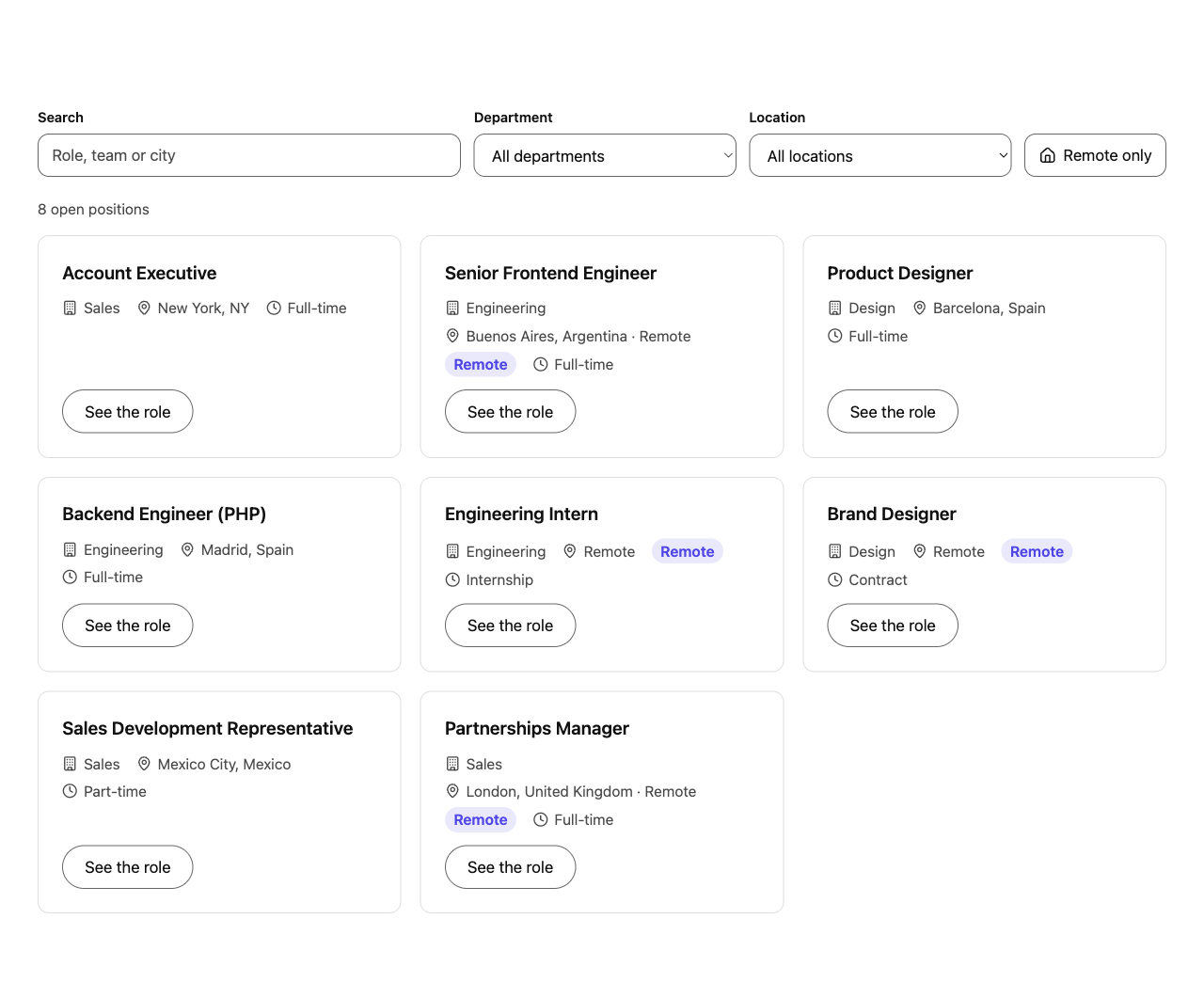
- Jobs straight from your ATS. The Jobs block lists open positions from Greenhouse, Lever, Ashby, Workable, SmartRecruiters, Personio, Teamtailor or BambooHR, with filters and search. Your own server fetches and caches them.
- A query builder for any post type. Team, events, locations on a map, resource libraries or case studies, with visitor filters and pagination that work even without JavaScript.
- Gated downloads. Ask for a form before handing out a file. The server verifies the submission before giving out a short-lived signed link.
- One form block for 16 providers. HubSpot, Marketo, Salesforce Account Engagement, Dynamics 365, Typeform, Mailchimp, Gravity Forms, Contact Form 7 and more. API keys are stored encrypted and never reach the browser.
The blocks
- Structure and conversion: Hero, Section, Call to action and Media and text.
- Social proof: Logos (grid, marquee or carousel), Testimonials and Stats with count-up numbers.
- Organization: Feature grid, Tabs, Accordion / FAQ with structured data and Table of contents.
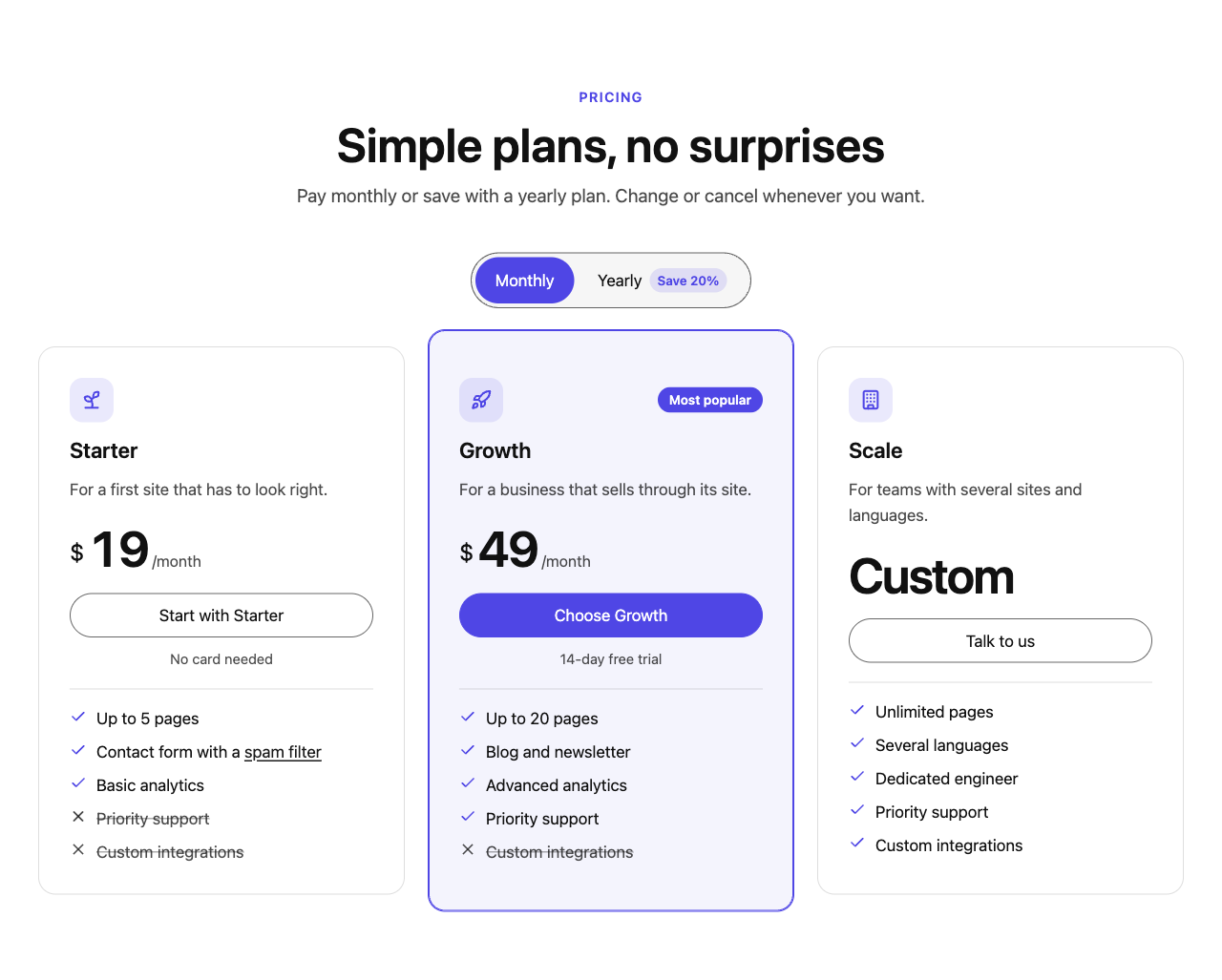
- Pricing: a pricing table with a monthly / yearly switch, and a comparison table.
- Dynamic: Query, Jobs and Form.
- More: Timeline, Video (loaded only when played, with captions and transcript), Carousel and Notice (scheduled and dismissible).
Every block ships with ready-made variations, Lucide icons with optional animations and Saved styles: save a block's look and options, and reuse them anywhere on the site.
Free, with no fine print
werun.Blocks.Community has no trial and no locked features: no license, no activation key and no connection to our servers. Every outside service it can use is documented in its WordPress.org listing, with what data is sent and when. Its Integrations screen lists every outside host a visitor's browser may contact, ready for a Content-Security-Policy.
Accessibility and privacy shouldn't be paid features. They are the foundation we build our clients' sites on, and now anyone can build on it too.
The werun.dev team
It can run next to werun.Blocks, the edition for the sites we run: every block, class, option and endpoint has its own prefix, so both plugins live on the same site.
How to install it
Find the plugin
In the WordPress dashboard, go to Plugins → Add New Plugin and search for "werun.Blocks.Community".
Install and activate
Click Install Now, then Activate. You can also download it from its page on WordPress.org.
Add the blocks
In the editor, open the inserter and look for the werun.Blocks.Community category.
Availability and requirements
- Price: free.
- Where: wordpress.org/plugins/werun-blocks-community.
- Requirements: WordPress 6.6 or later and PHP 7.4 or later.
- License: GPLv2 or later. The source code is on GitHub.
- Documentation: every block and every setting, in English and Spanish, in the knowledge base.
- Support: through the GitHub issues.
Frequently asked questions
Is werun.Blocks.Community free?
Yes. It installs for free from WordPress.org, asks for no license or activation key and never connects to our servers.
What do I need to use it?
WordPress 6.6 or later and PHP 7.4 or later.
Can I use it next to werun.Blocks?
Yes. Every block, class, option and endpoint has its own prefix, so both plugins can be active on the same site.
Where do I get help or report a problem?
In the plugin's GitHub issues. The documentation is in the knowledge base.
About werun.dev
We are werun.dev, a web development agency based in Buenos Aires. We design, build and run sites on WordPress, Webflow and Shopify: we look after 200+ sites, kept updated, monitored and backed up, and we have worked with WordPress for 12+ years. We don't launch projects, we run them.
Press contact: hello@werun.dev · werun.dev