01
Guides for every debt question
A page for each kind of debt and each city, written in the plain words people use.
- —Attorney bios that introduce you
- —Required statements placed where you say
- —You approve every word first
“The client portal, the feedback extension and the WordPress security alerts have been very intuitive, pretty turnkey. Just this past week getting comfortable with it, it’s been really helpful. We’re rolling it out to our core team. Nice job.”
 Eric MillerNorth American Director of Sales & Marketing, General Filters & GeneralAire®
People search for the bill, the notice or the call that worries them. Each gets a page that explains the options.
The problem: Debt questions lead people to forums and answers from strangers.
What changes: Your pages explain each option in plain words, with your name on them.
The problem: Shame keeps people from picking up the phone.
What changes: A short form lets them begin in writing, at their own pace.
The problem: The first call goes on listing every debt.
What changes: The form asks the kinds of debt and any court papers first.
The problem: A notice with a court date makes the call urgent.
What changes: The form asks for the date and marks it for a quick reply.
The problem: People wonder what it costs before they call.
What changes: A page explains how your firm charges, in the words you approve.
The problem: Bankruptcy clicks are expensive and you can’t see which signed.
What changes: Every signed client points back to the ad behind them.
What the site does for people who write when the house is quiet.
They learn the options in plain words and answer a few basic questions. At nine you already know what kind of help they need.
The family enters the date on the form and it is flagged. Your team calls first the people whose dates are closest.
Clients upload pay stubs and statements as they find them. You see what is missing before the filing meeting.
Four directions to start from. Pick the one that feels like you and we shape it around your practice areas.
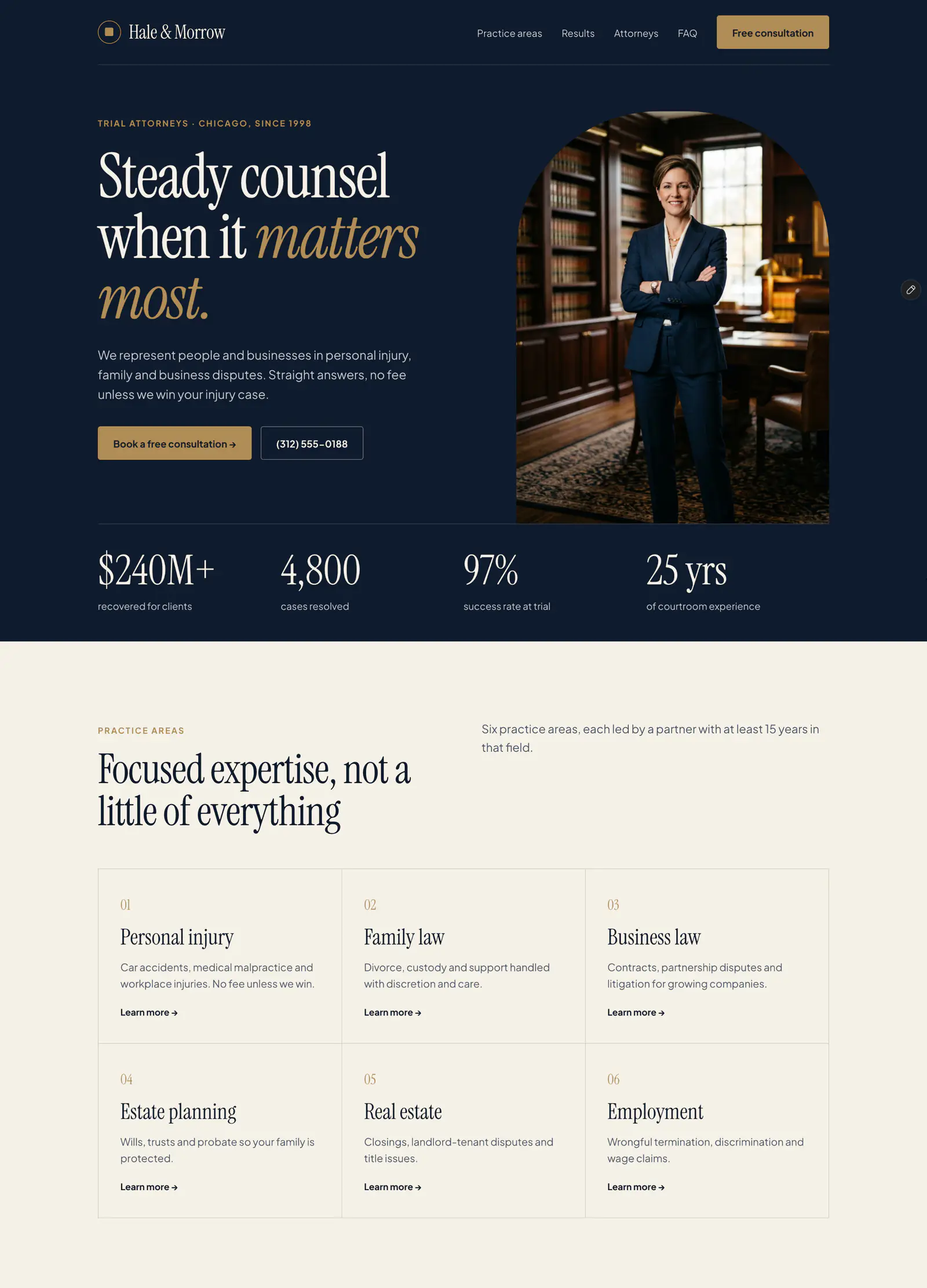
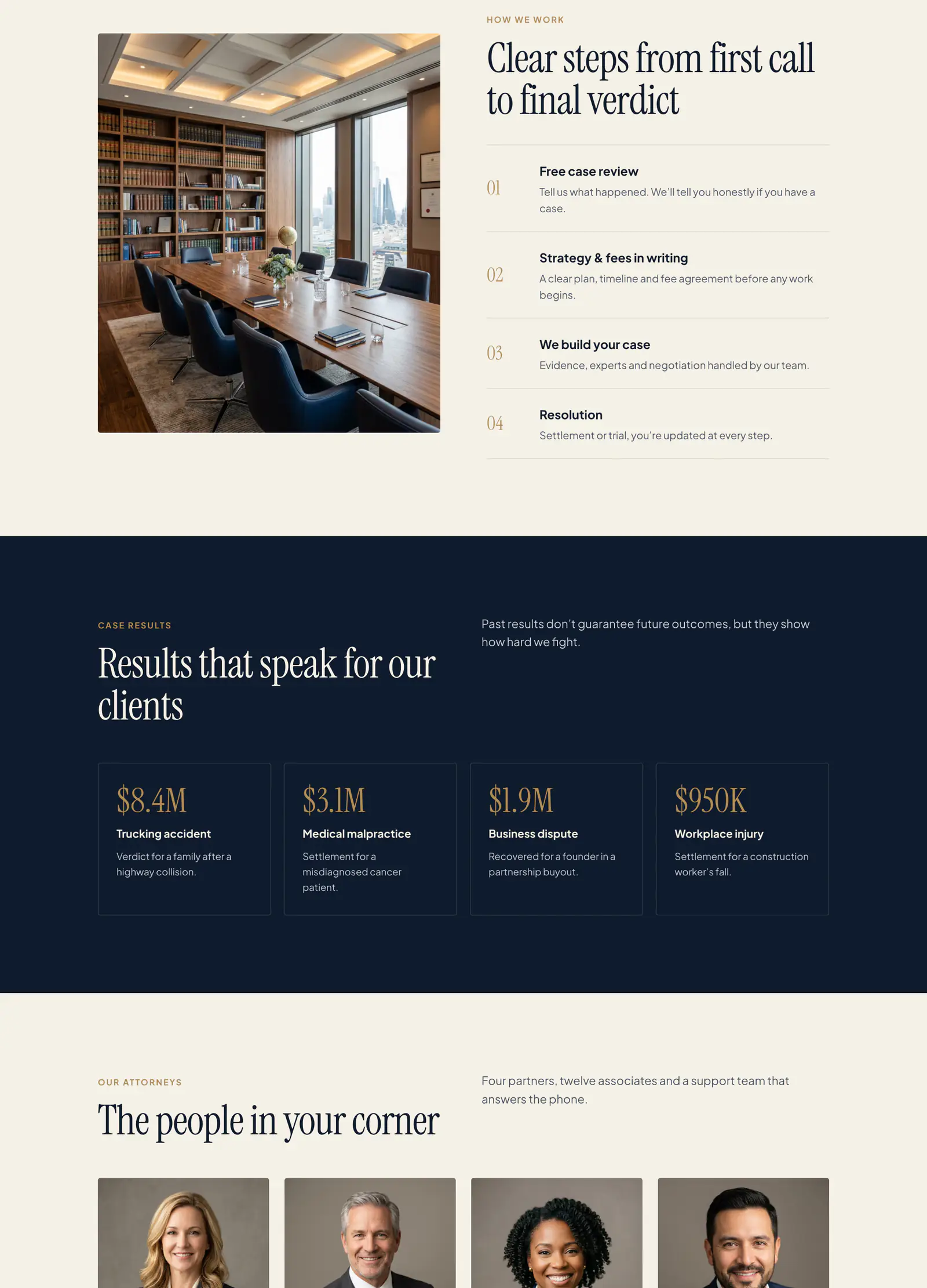
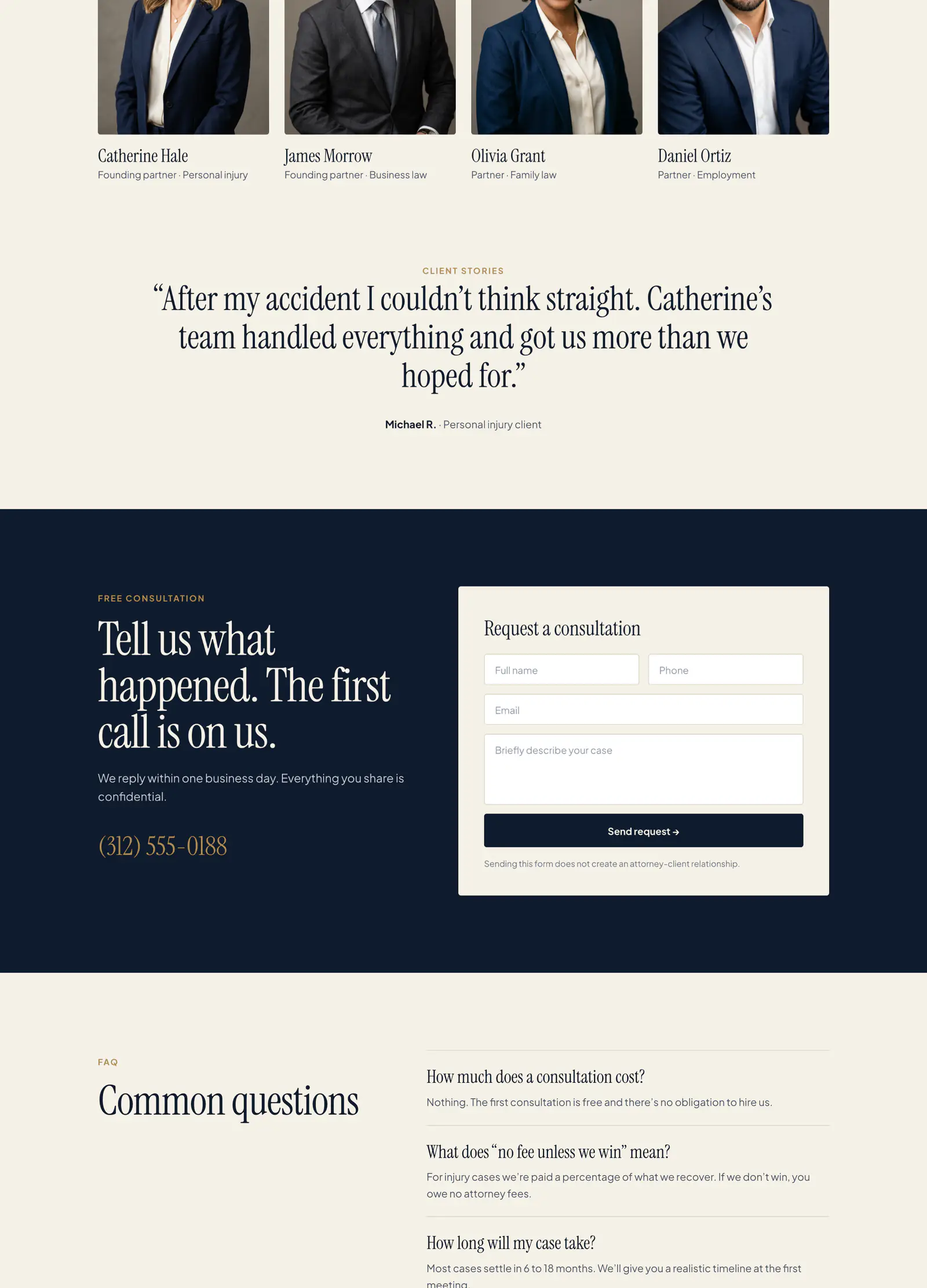
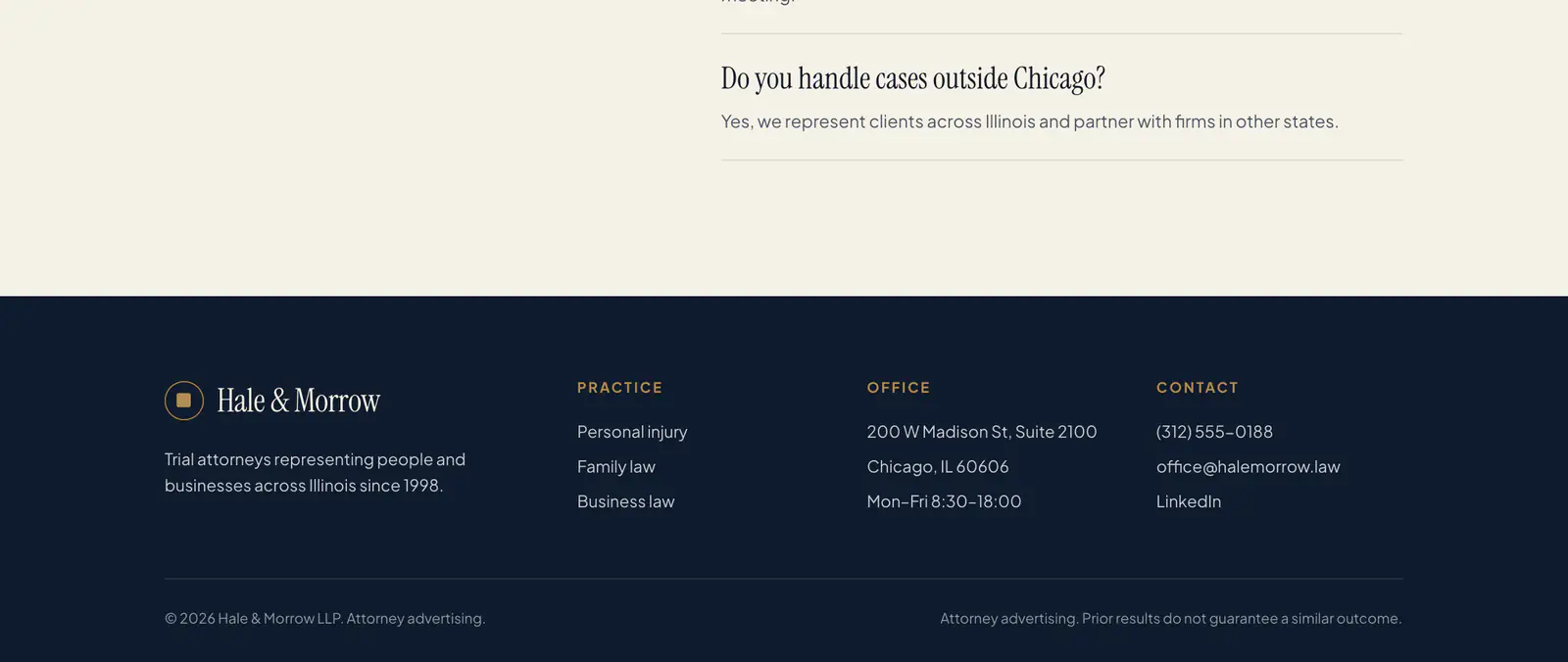




Concept designs with sample names and figures. Yours is built around your brand, photos and words.
Start with the first message a worried caller sends. Add the rest when you're ready.
A page for each kind of debt and each city, written in the plain words people use.
Asks about the kinds of debt and any court papers, and leaves amounts for the call.
People pick a time for a consultation by phone or video, at any hour.
Each inquiry arrives in your case management software with the debts and dates filled in.
See which ad brought each signed client, and which brought only clicks.
Clients upload pay stubs and statements to a checklist and pay fees online, the way your firm chooses.
The same process for every client. You know what you get and what it costs before anything is built.
What your business does and what is not working. We reply within 2 hours on business days.
We look at what you already have. You get a written plan, a timeline and an estimate.
Everything is built and tested on a private copy before it goes live. What we build is yours.
After launch, one person you know by name looks after it: updates, backups, checks and fixes.
You explain your business once. The people who plan your site build it and look after it.
Updated, monitored, backed up
Websites and web apps
We answer on business days
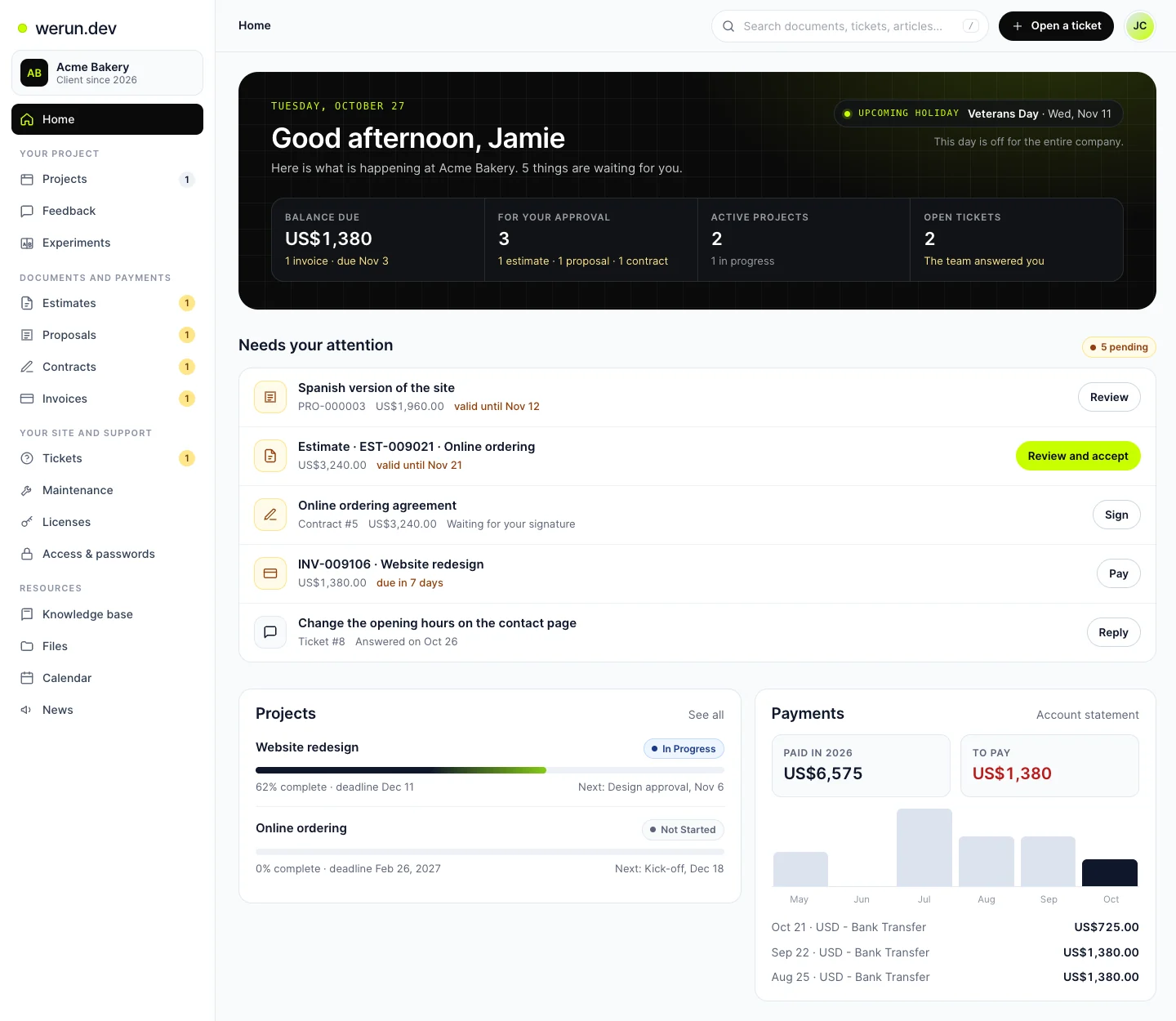
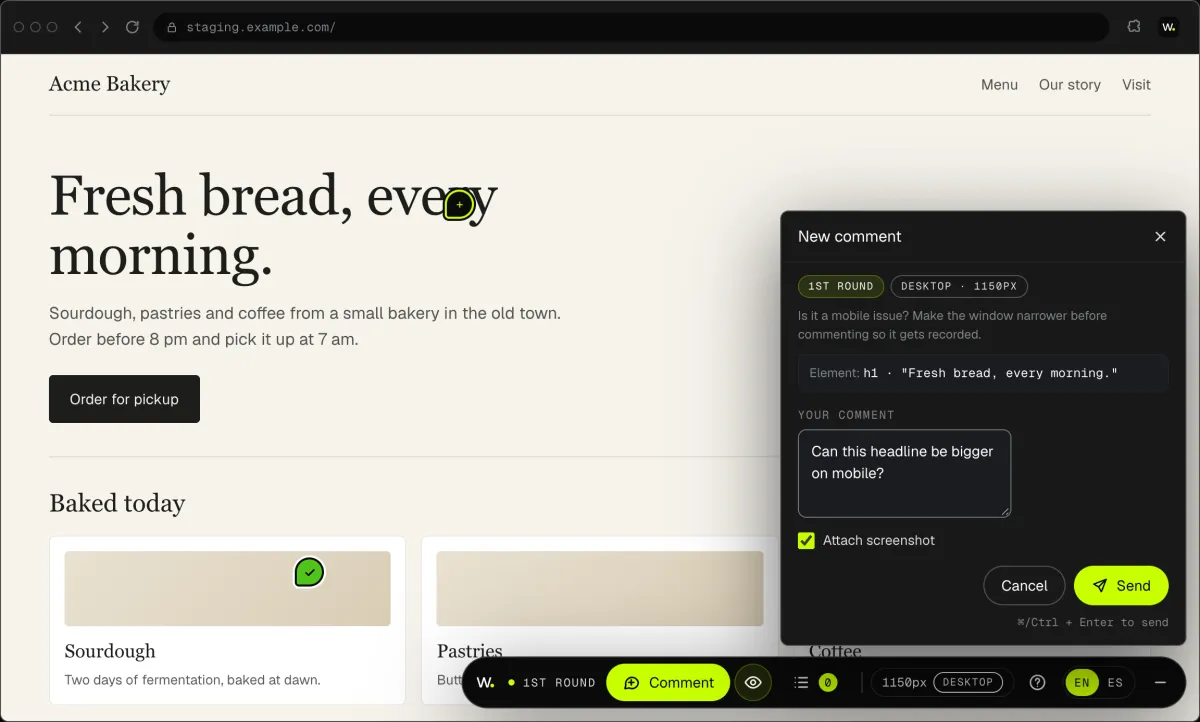
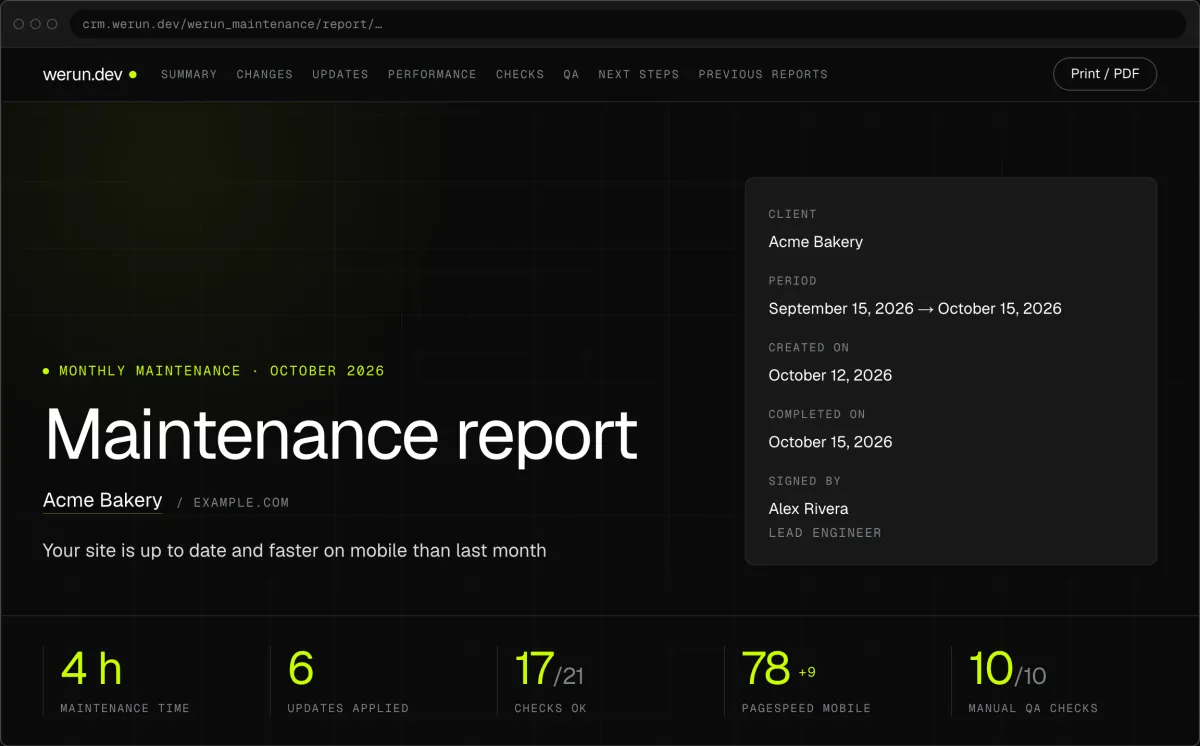
Your project, approvals and invoices live in the Client Portal. You ask for a change by clicking on your own site. With Care, a written report arrives every month.
Projects, requests, invoices, proposals and contracts in one place. Ask it a question and it answers from your own records.
Click anything on your own site and say what you want. That's it: the team gets it as a task with a screenshot, and you watch it get solved.
Every month, in writing: what we changed on your site, what we watched over and what comes next.
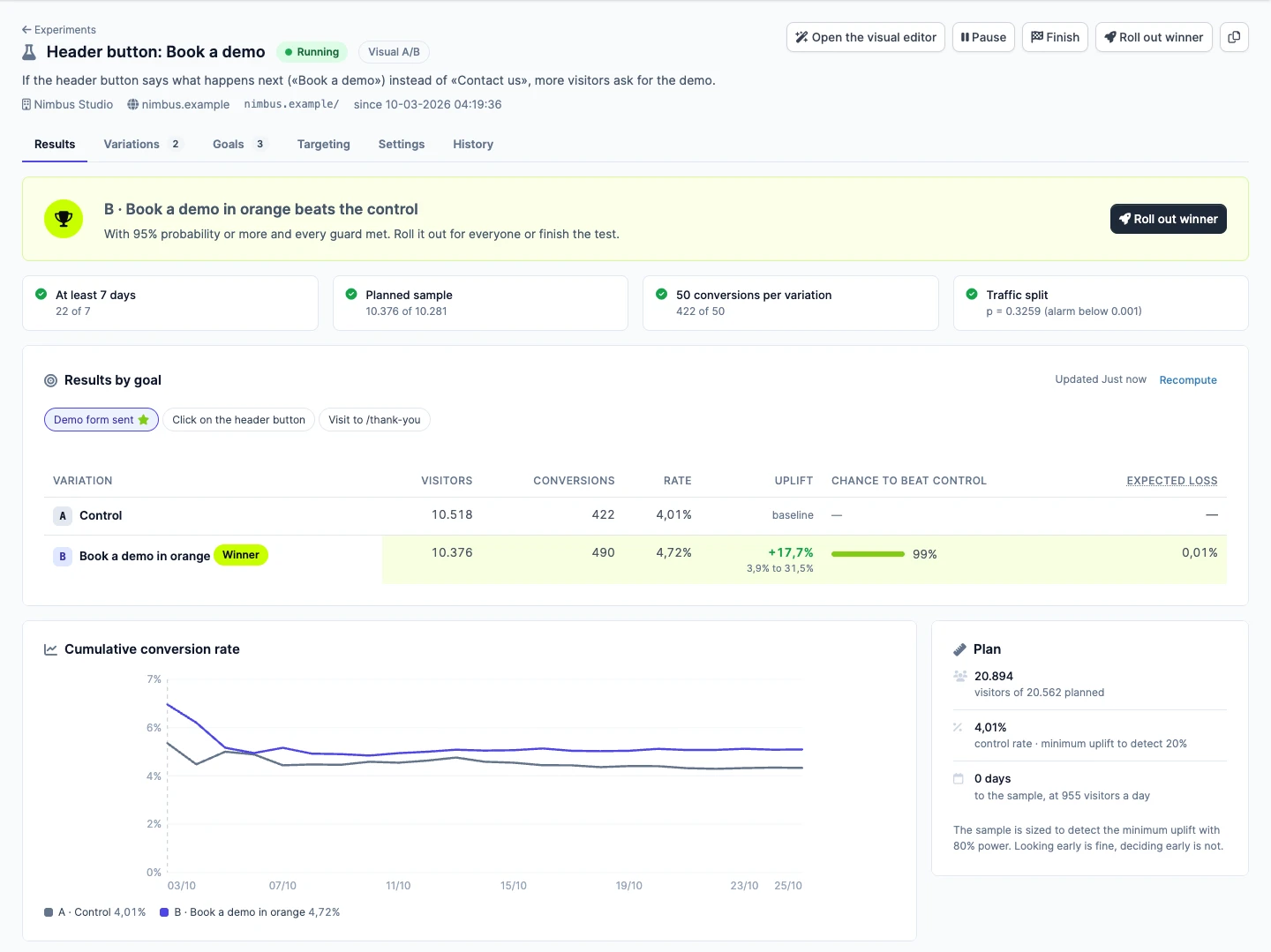
Not sure which version sells more? Try both with real visitors. Tell us the idea in plain words, we set up the test, and you watch the winner from your Client Portal.
It asks the kinds of debt, any court papers and their dates, and how the person prefers to be reached. Amounts and account numbers wait for the call.