All systems operational200+ sites we watch overReply in under 2h+54 9 11 7820-8554
Real estate · property · development

Real estate websites where leads stay yours.

A buyer searches your neighborhoods at night, saves a home and books a tour. Your agent gets the message while the buyer is still on the page.

  • Homes searched by neighborhood and type
  • Each lead sent to the right agent at once
  • Owners and tenants served online
Free website audit

Tell us what you need.

Reply within 2 hours on business days. No commitment. We sign NDAs.

What clients say

Teams like yours, in their own words.

“The client portal, the feedback extension and the WordPress security alerts have been very intuitive, pretty turnkey. Just this past week getting comfortable with it, it’s been really helpful. We’re rolling it out to our core team. Nice job.”

Eric MillerNorth American Director of Sales & Marketing, General Filters & GeneralAire®
Problems we solve

Where real estate leads go cold, and how you keep them warm.

  • The problem: Buyers search by neighborhood, and you have no page for theirs.

    What changes: A page for each neighborhood you sell in.

  • The problem: Your listings live on portals you rent, not on your own site.

    What changes: Every listing sits on your own site, shown as the listing service allows.

  • The problem: Visitors can’t narrow homes down by what they want.

    What changes: They filter by neighborhood, price, bedrooms and home type.

  • The problem: A buyer who liked a home never comes back to check.

    What changes: Saved searches email them the day a new match appears.

  • The problem: A visitor wants to see a home tonight and has to call.

    What changes: They pick a tour time right on the listing.

  • The problem: A lead writes at 9 pm and hears back the next day.

    What changes: The right agent gets a text the moment the lead arrives.

  • The problem: Owners and tenants call for every payment and repair.

    What changes: They pay rent and send repair requests in their own portal.

  • The problem: Your site still shows homes that sold last month.

    What changes: Listings update from the feed, and we keep the site checked.

Use cases

Moments of your day, handled while you are out.

Here is what happens next in three common ones.

  • A listing goes live on Friday

    The listing shows up on your site from the listing feed, inside its neighborhood page. Buyers with a matching saved search get an email.

  • A buyer writes at 9 pm

    The inquiry reaches the agent for that area as a text, with the home attached. The buyer already sees tour times they can take.

  • A tenant’s sink starts leaking

    They send a repair request with a photo from their portal. The property manager sees it at once and the tenant sees its status.

Design directions

See how your brokerage could look.

Four directions to start from. Pick the one that feels like you and we shape it around your listings.

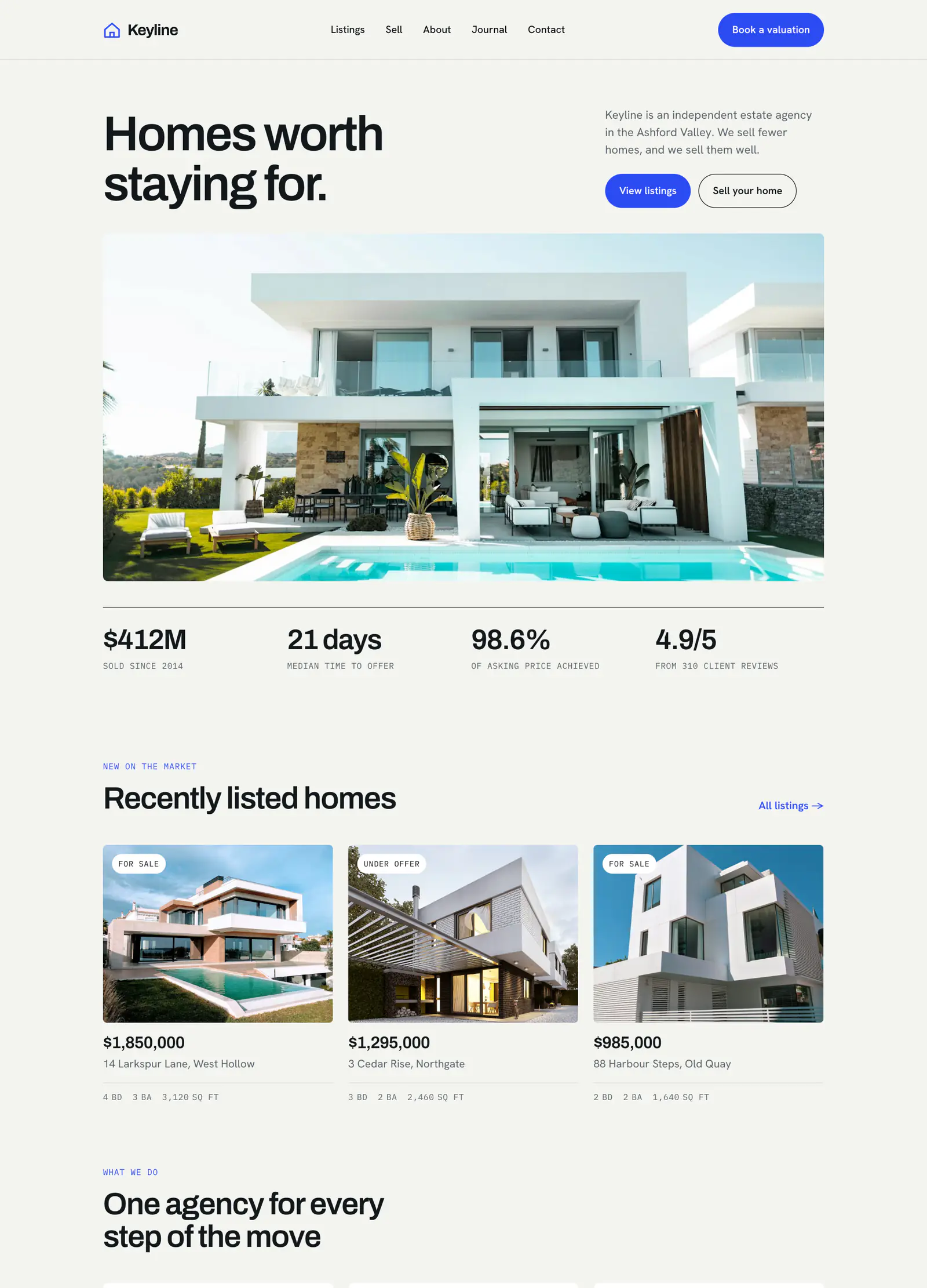
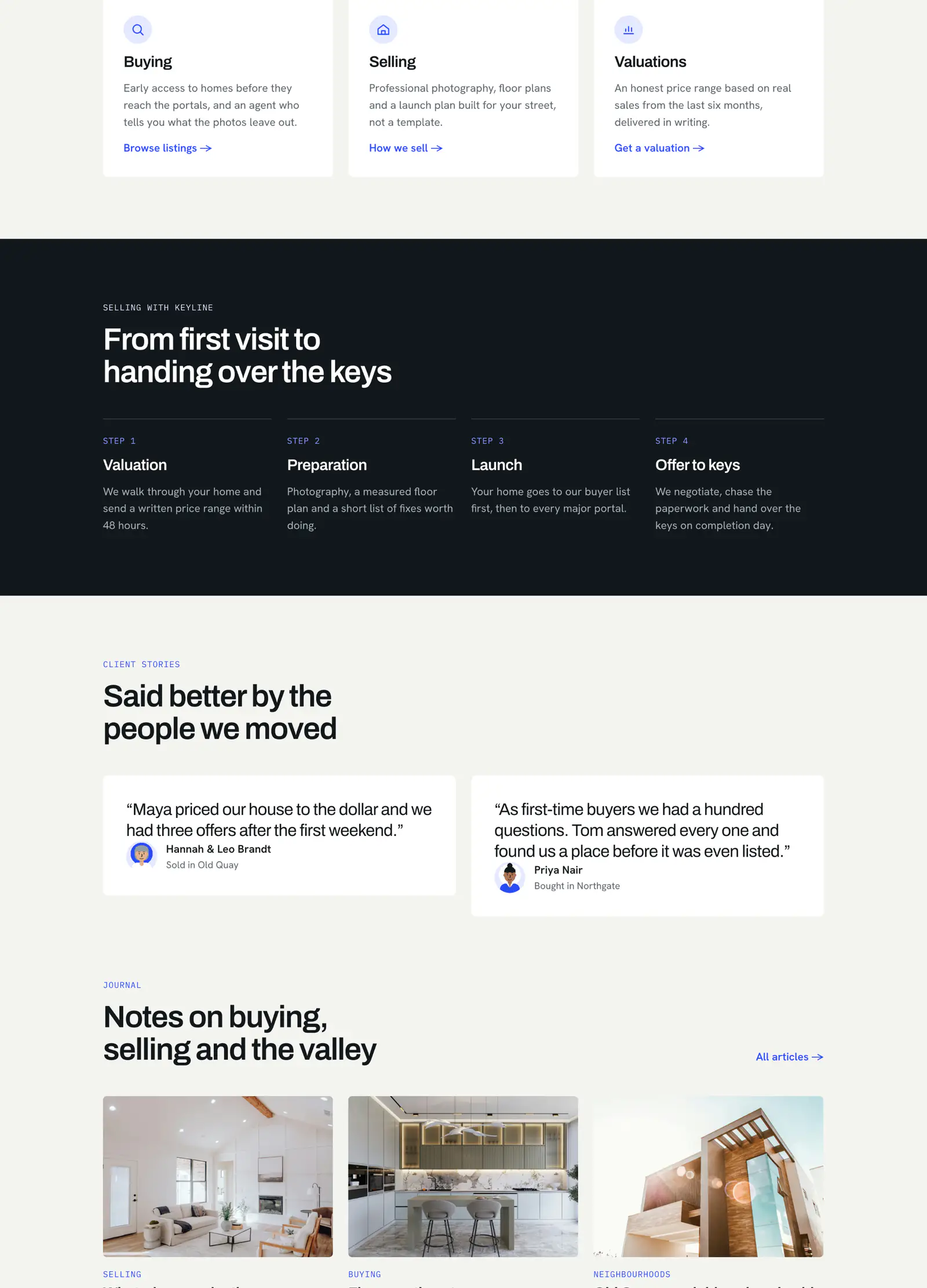
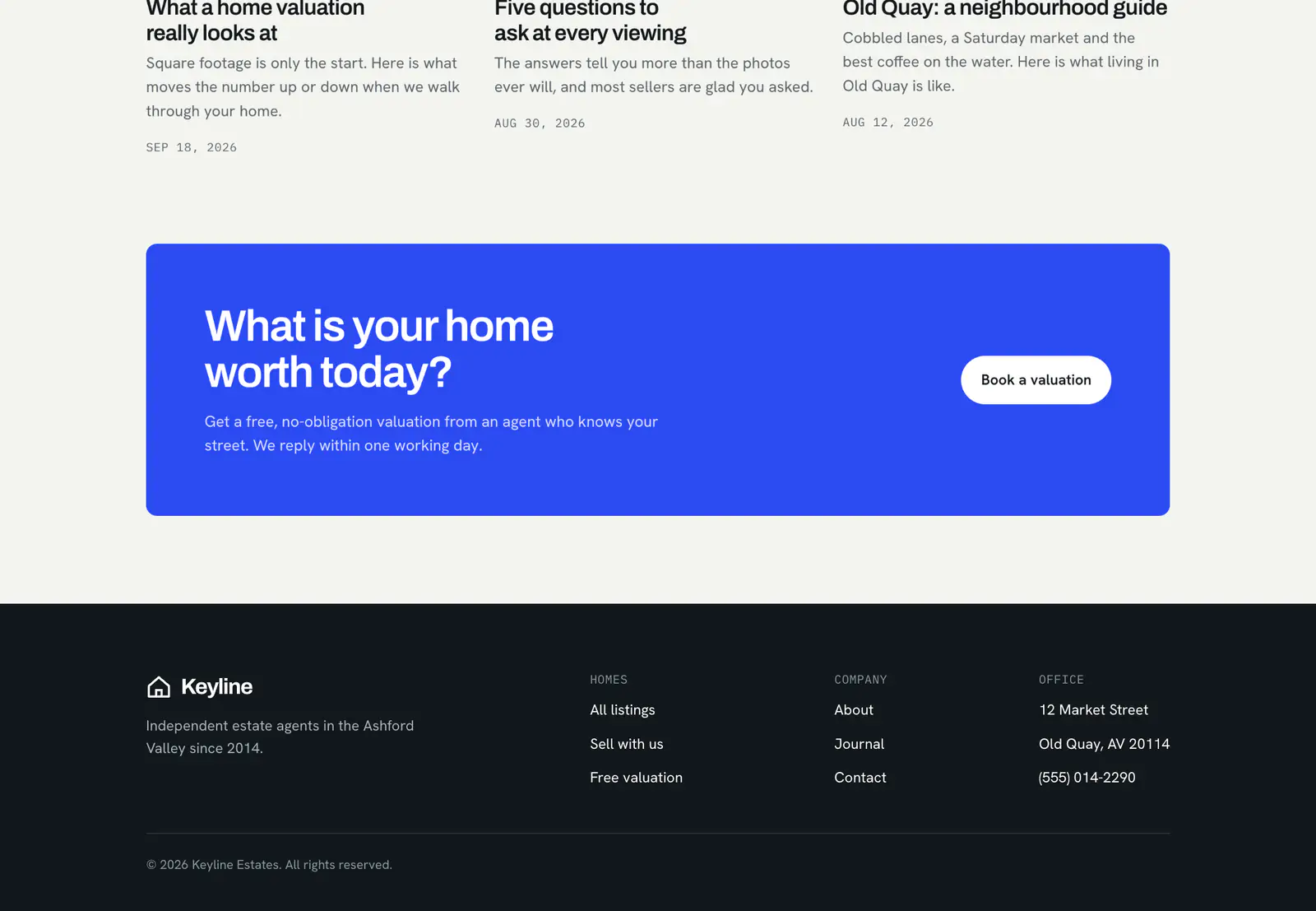
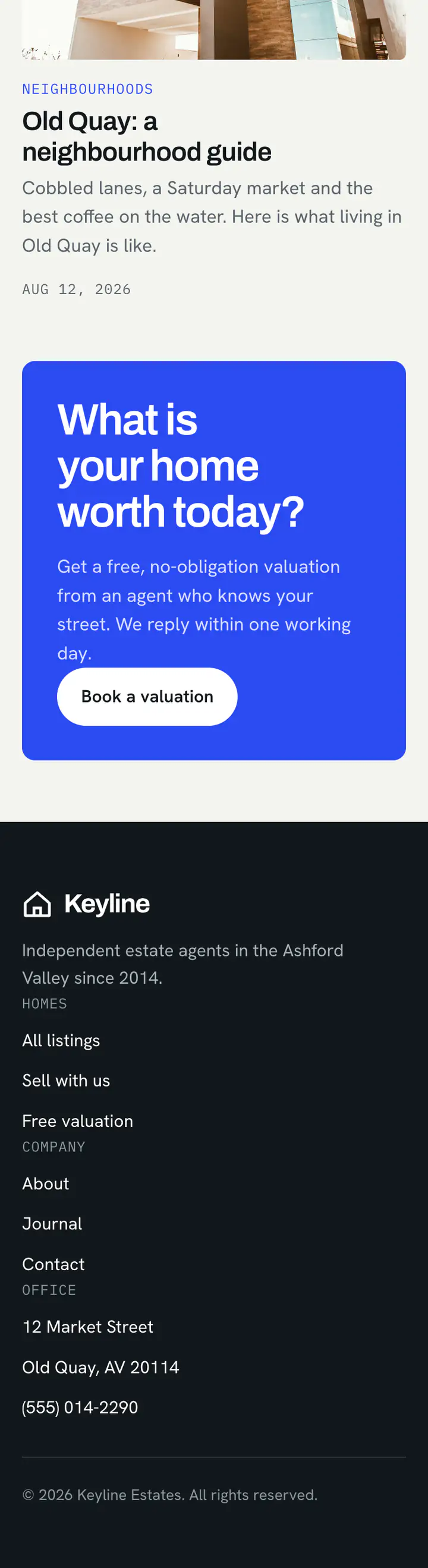
Clean and bright, a concept design for your site

Concept designs with sample names and figures. Yours is built around your brand, photos and words.

What you get

What puts your listings and your leads on your own site.

Start with the step where leads leave you today. Add the rest when you're ready.

01

Listing search on your site

Buyers search the homes you list, by neighborhood and home type, without leaving your domain.

  • —IDX, the MLS feed that shows listings on your site
  • —Filters for neighborhood, price and home type
  • —Shown the way your MLS rules allow
02

Neighborhood guides

A page for each neighborhood, with the homes for sale and the facts a buyer asks about.

  • —Homes for sale on each page
  • —Every word approved by you first
  • —Loads fast on any phone
03

Saved searches and alerts

Visitors save what they looked for and hear from you when a matching home comes up.

  • —An email or text for each new match
  • —A visitor’s favorites in one place
  • —Every lead saved to your CRM
04

Tour booking

Buyers pick a time to see a home from your real calendar, in person or by video.

  • —Times set by each agent
  • —Confirmations and reminders by text
  • —Each tour sent to the listing agent
05

Lead routing to agents

Every inquiry goes to the right agent by area, price or turn, and into your CRM.

  • —Rules you set: area, price or round robin
  • —A text to the agent the moment it arrives
  • —A backup agent when no one answers
06

Owner and tenant portals

Owners see their statements and tenants pay rent and ask for repairs, each behind a login.

  • —Rent paid through the payment company you use
  • —Repair requests with photos
  • —Each person sees only their own account
How it works

You tell us the goal, we walk every step with you.

The same process for every client. You know what you get and what it costs before anything is built.

  1. You tell us

    What your business does and what is not working. We reply within 2 hours on business days.

  2. You get a plan

    We look at what you already have. You get a written plan, a timeline and an estimate.

  3. It goes live tested

    Everything is built and tested on a private copy before it goes live. What we build is yours.

  4. Someone stays beside you

    After launch, one person you know by name looks after it: updates, backups, checks and fixes.

About werun.dev

One team beside you, from day one to every change.

You explain your business once. The people who plan your site build it and look after it.

  • One team, from the first call to long after launch
  • Every change is tested before it reaches your site
  • You own the site and its code
200+
Sites we watch over

Updated, monitored, backed up

12+
Years keeping sites up

Websites and web apps

<2h
When something breaks

We answer on business days

Working with us

You stay on the job, we keep you in the loop.

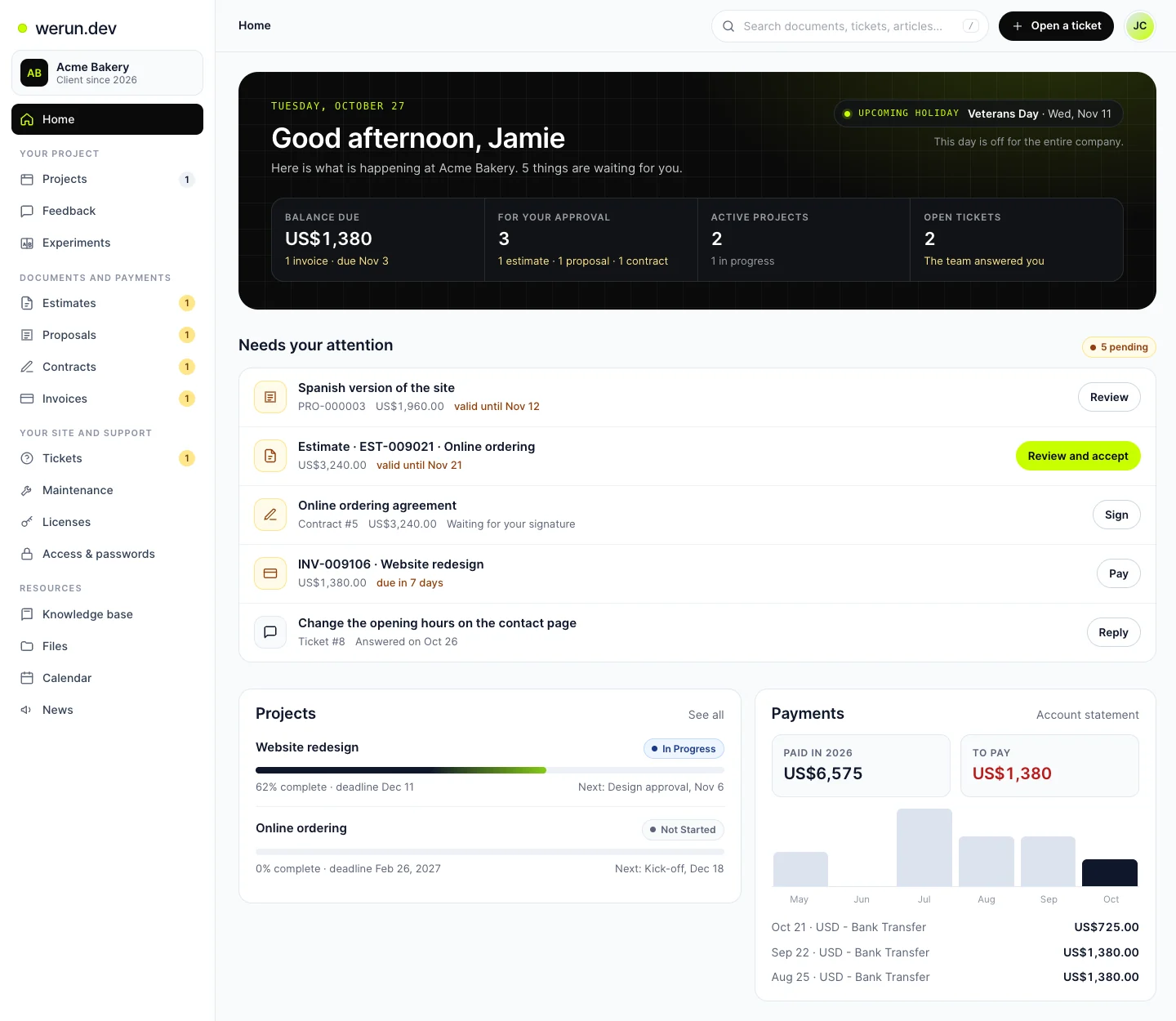
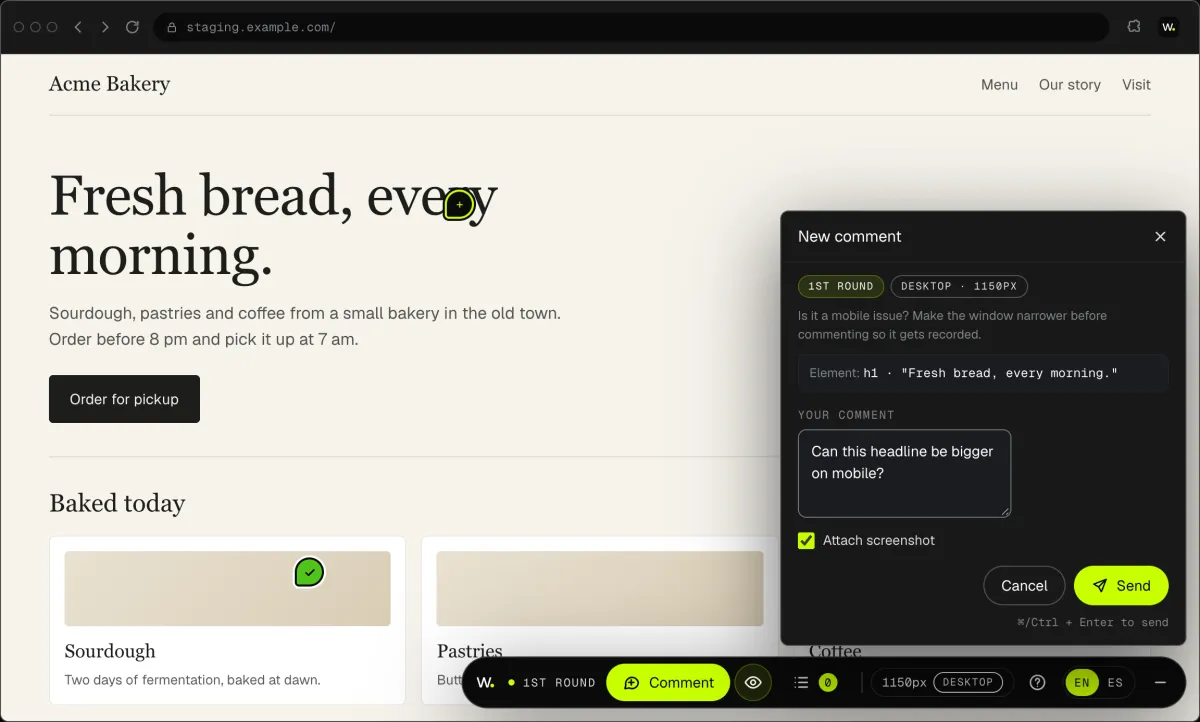
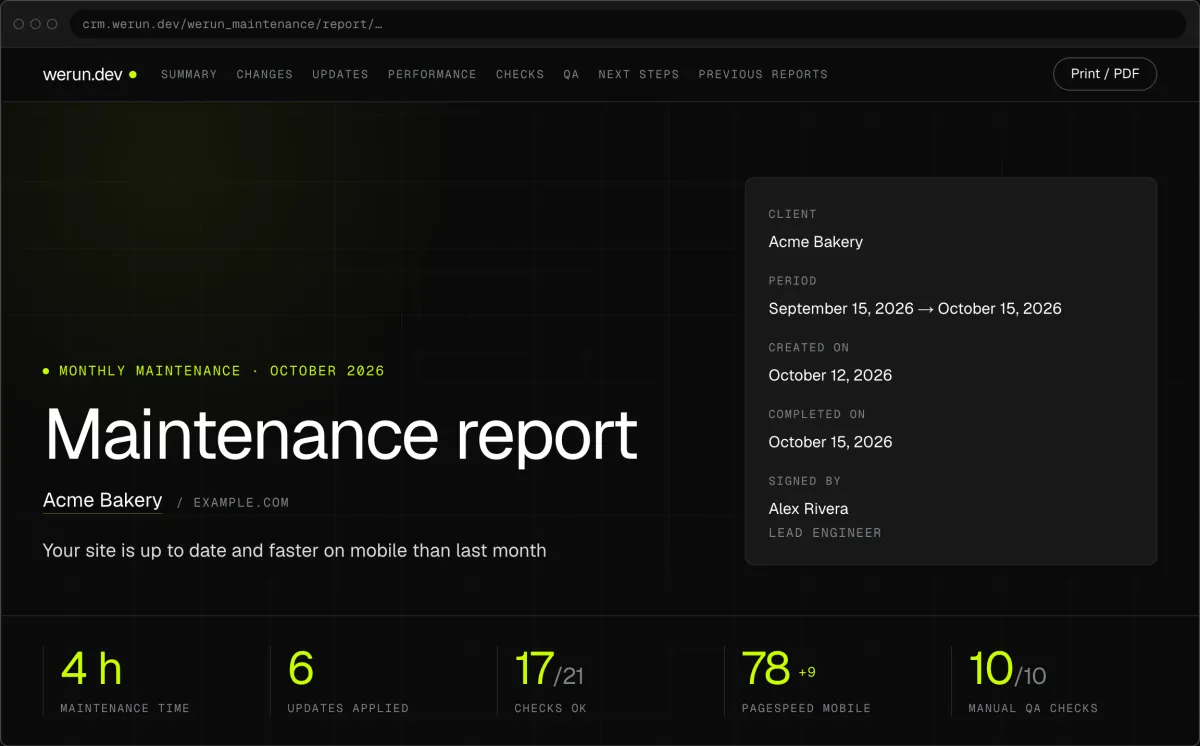
Your project, approvals and invoices live in the Client Portal. You ask for a change by clicking on your own site. With Care, a written report arrives every month.

01

Client Portal

Projects, requests, invoices, proposals and contracts in one place. Ask it a question and it answers from your own records.

02

Client Feedback

Click anything on your own site and say what you want. That's it: the team gets it as a task with a screenshot, and you watch it get solved.

03

Monthly report

Every month, in writing: what we changed on your site, what we watched over and what comes next.

04

werun.Experiments

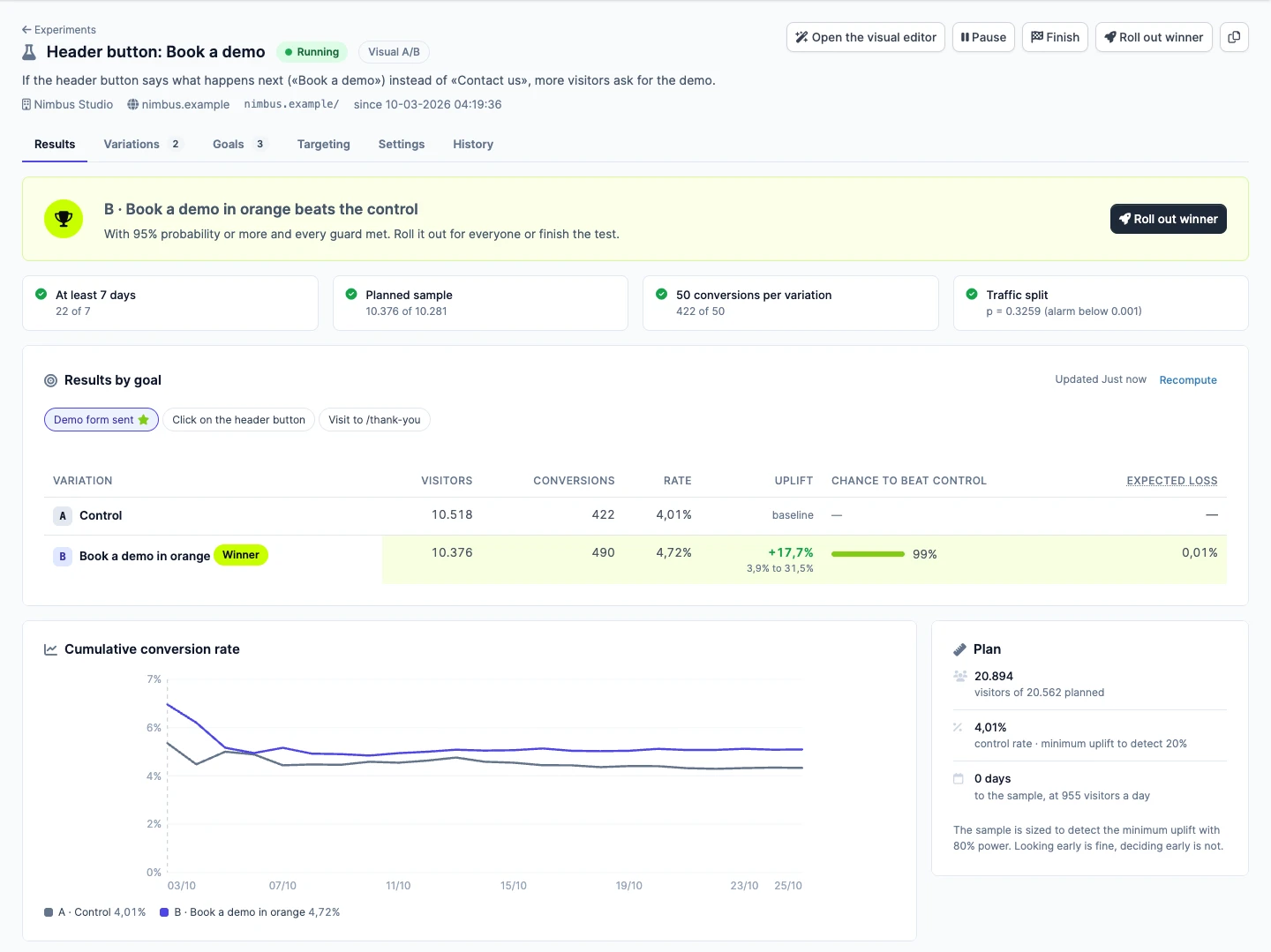
Not sure which version sells more? Try both with real visitors. Tell us the idea in plain words, we set up the test, and you watch the winner from your Client Portal.

Questions

Yes, if your MLS offers a listing feed to its members. Each MLS sets rules for what can be shown, and we follow them. We connect through whatever the feed allows, and tell you if it allows less.

Ready to keep every lead and every listing?

Tell us what your business does and where you want it to go. We reply within 2 hours on business days.

No commitment. Just a conversation.