Custom applications
A tool shaped to how you work, yours to keep.
When no platform fits how you work, we build the portal, the tool or the product you need. If a platform can carry it, you hear that first. The code lives in your repository, and we keep it running as you grow.


























































Visual references
The front door to your app, as clear as the app.
Pages from the industries we work with, on a desktop and a phone. They show what your site can have when you work with us.
References, not templates
We design your site for your business and build it from scratch, with your brand, your photos and your words.
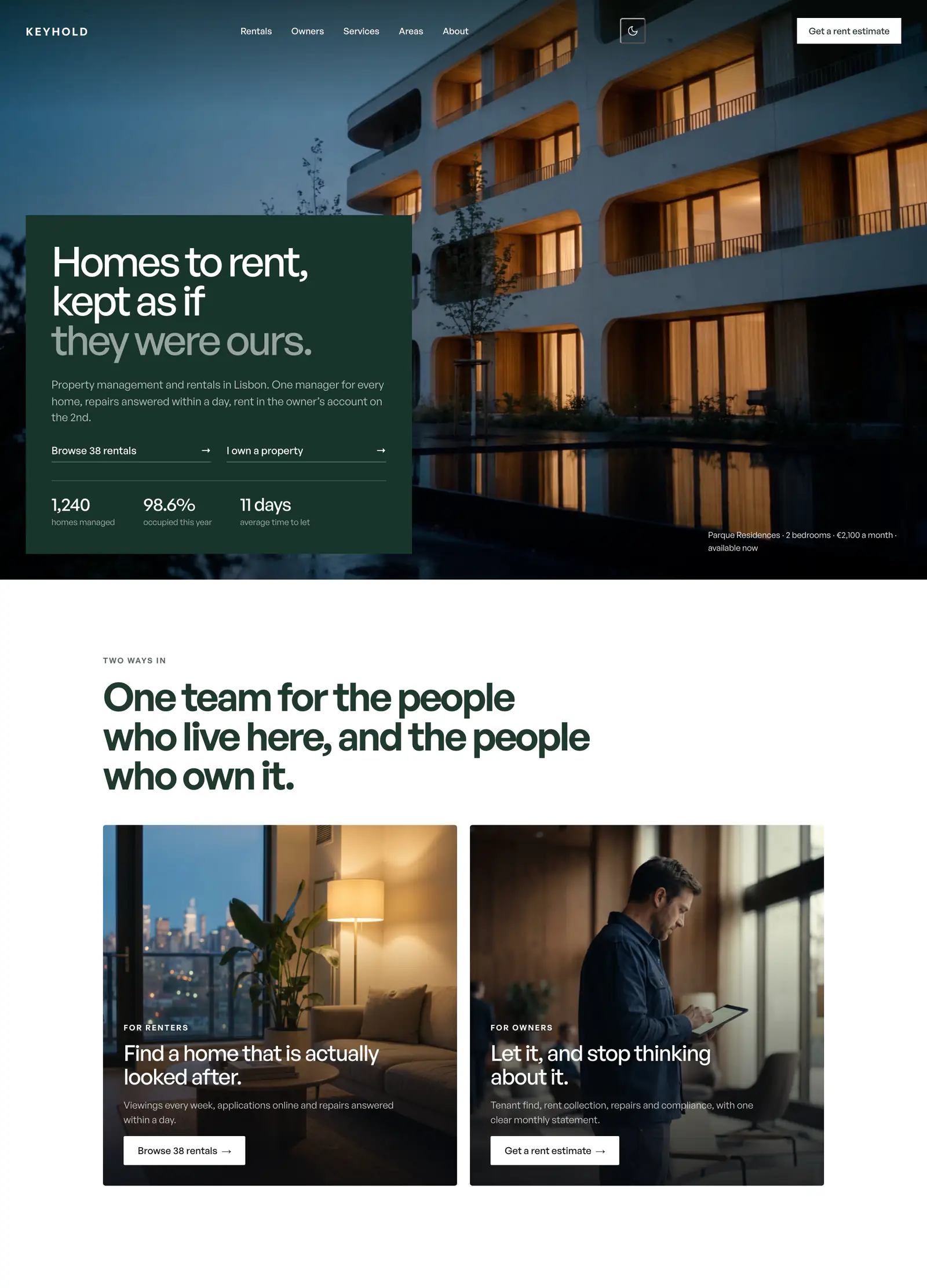
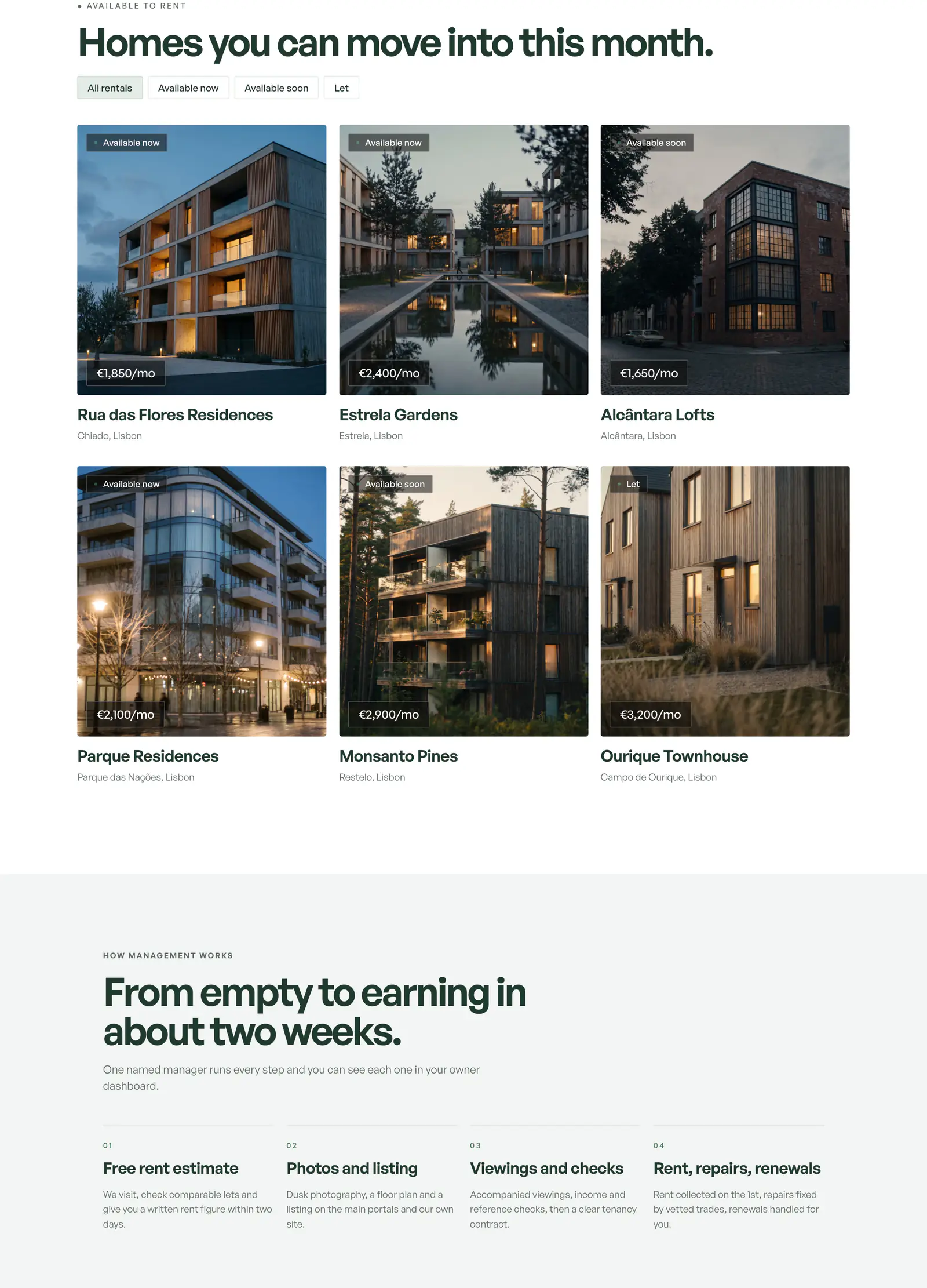
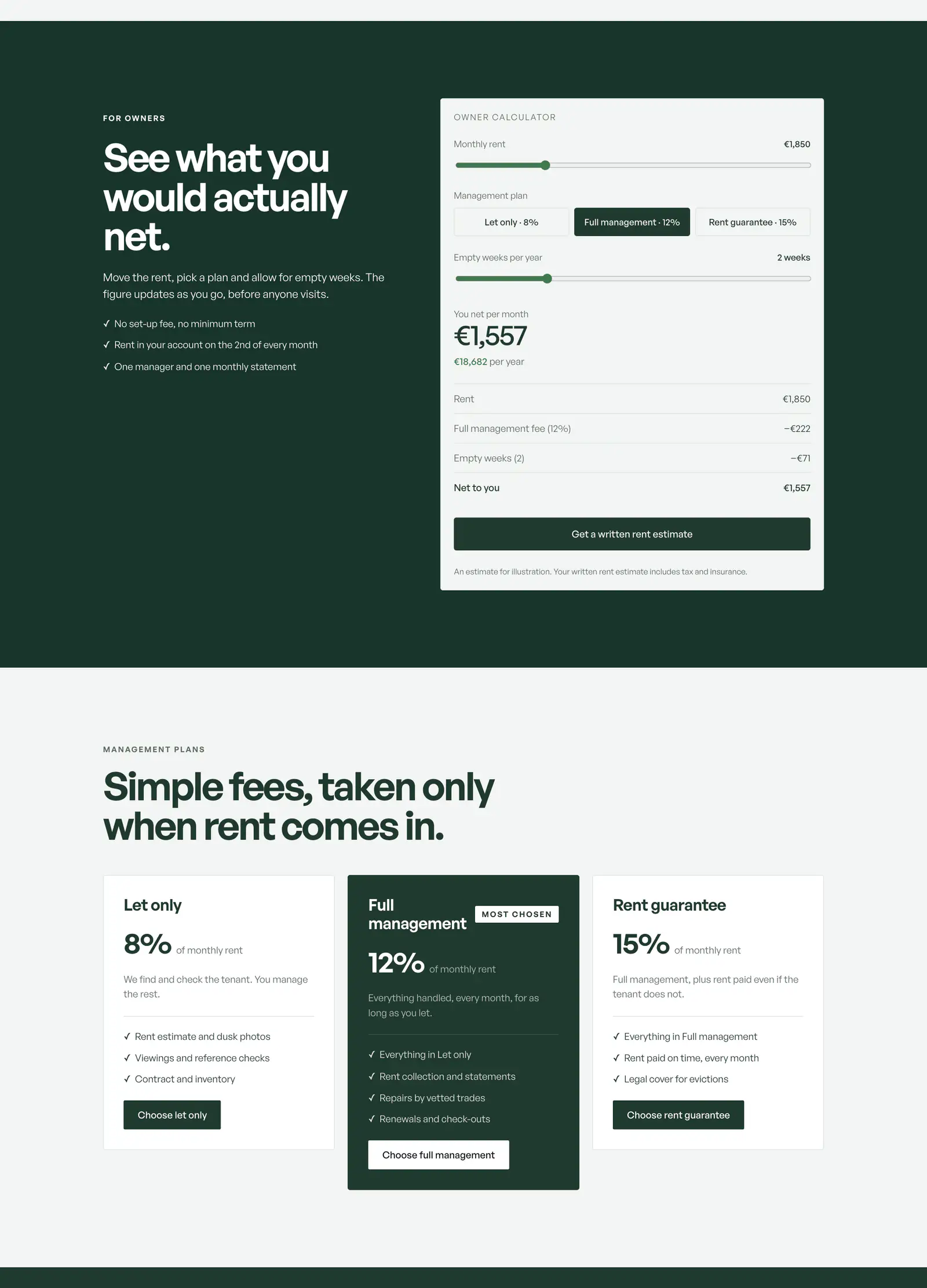
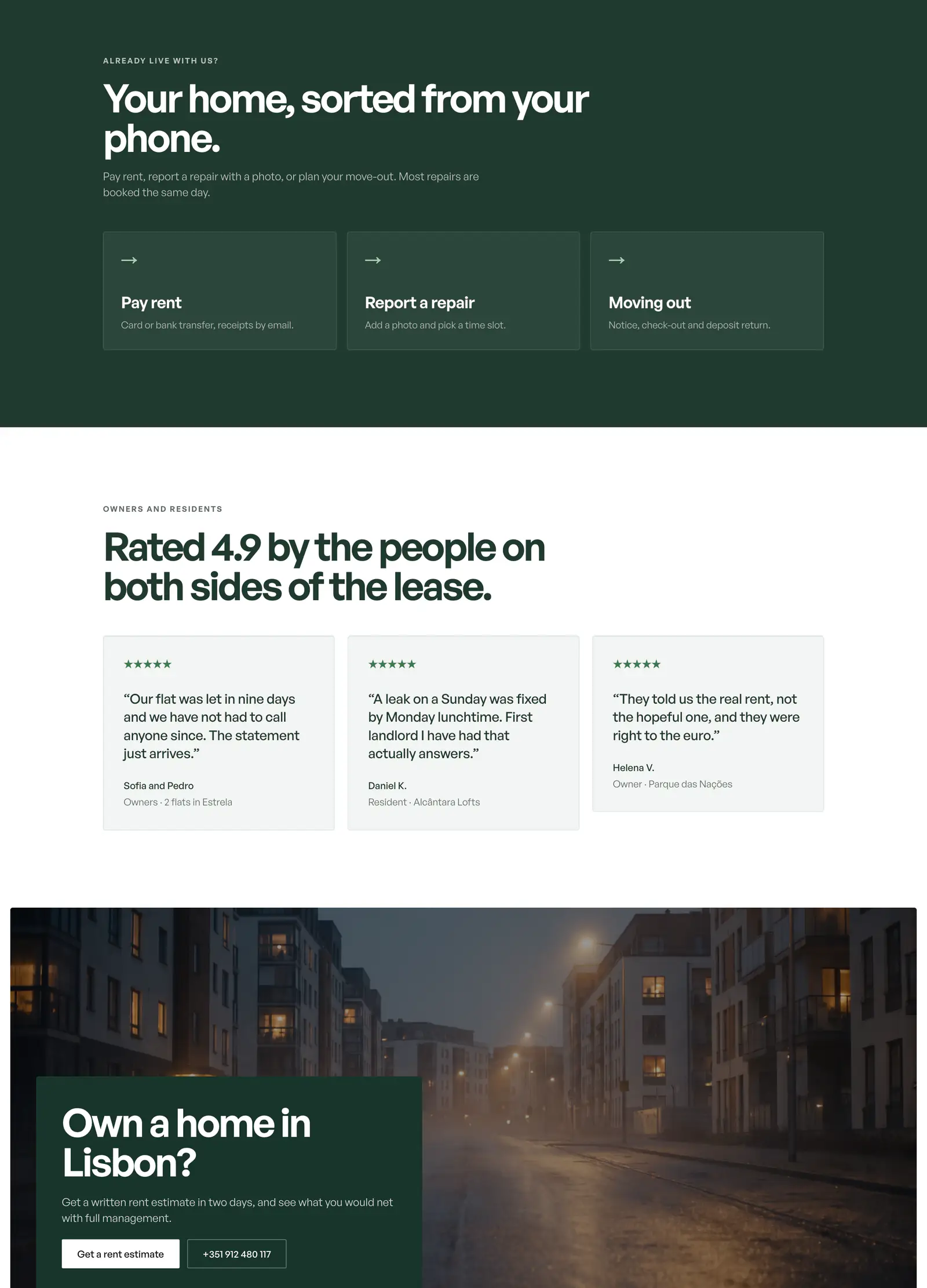





Visual references with sample names and figures.
What clients say
Teams like yours, in their own words.

“The client portal, the feedback extension and the WordPress security alerts have been very intuitive, pretty turnkey. Just this past week getting comfortable with it, it’s been really helpful. We’re rolling it out to our core team. Nice job.”
What changes for you
Your editors publish, your customers sign in, your tools talk to each other.
Start with what matters most today. The rest can come later.
01A custom CMS shaped like your content
This site runs on one. Your editors get the fields they publish and a preview of the real page. Changes go live the moment they publish.
- Fields for what you publish, and none you do not
- A preview of the real page before it goes live
- Media, tags, drafts and a publish date
- Each language a real page search engines pair
- Live the moment you press publish
02A product that grows with your users
Your product with accounts, plans and billing, each customer kept apart from the rest. It is the shape of WelcomeAI, whose workspace, marketing site, widget and admin console come from one codebase.
- Each customer sees only their own data
- Roles you set, and access that ends the moment you say so
- Plans, limits and billing
- Long jobs that name the exact item that failed
- A widget your customers embed on their own sites
03Internal tools and portals for how you work
This site’s own admin runs on this stack: the inbox for briefs, the editor and the team’s screens. Yours can be a back office, a CRM or a client portal, shaped around how you work.
- Permissions set once, applied everywhere
- Each client sees only their own work
- Your team signs in with the accounts it already has
- Your site and your tool in one deployment, one sign-in
04Your tools talking to each other
Your application talks to the tools around it, and anything that fails is retried, then checked again every night. It is the shape of our integrations work, in a codebase that is yours.
- Other systems read and write to it, every call checked
- Each outside tool connected once, reused by every feature
- Failed calls tried again, both sides checked every night
- Emails that leave from your own domain
- An AI or map provider swapped without touching the code
How it works
What you see at each step.
- 01
You tell us what it has to do
Say what the tool has to do and who will look after it. We reply within 2 hours on business days. If a platform can carry it, you hear that first.
You getWhether it needs custom code at all, and what it takes if it does
- 02
You see it in testing before it goes live
Every change lands on a testing copy first, the same code and the same kind of database as production. You try it there before anyone else does.
You getA testing copy that runs the same code and database as production
- 03
You keep the repository
The code lives in your repository from the first commit, with a written note on how it runs. We stay to keep it running as you grow.
You getThe code in your repository, a written note and a handover call
What you get
Your repository. Your database. Our responsibility.
In writing
What you test is what goes live
Your testing copy and your live app run the same code on the same kind of database. A change that passed in testing behaves the same live. This site works that way, and yours would too.
- 01
A stack other teams can maintain
Next.js, React, TypeScript and PostgreSQL are mature, documented and widely known. In five years, someone other than us can maintain your code, and that is the point.
- 02
A platform first, if one fits
If WordPress, Webflow or Shopify can carry your product, we tell you and build it there. Custom code is for a real constraint: a data model, a tenant boundary, a performance budget.
- 03
Your app inherits how we run ours
WelcomeAI and this site run on this stack, in production. Your application starts with the checks, the monitoring and the habits we learned running them.
Questions people ask
Answered before you call.
Each answer says what happens, what it costs and how to start.
- —Who builds a client portal?Each client signs in and sees only what is theirs, built and kept running.
- —Who builds apps that grow with users?Accounts, plans and billing, each customer kept apart, in your repository.
- —Who builds an internal tool for my team?A back office shaped around how you work, with permissions set once.
What would you like to build first?
Tell us what it has to do and who will look after it. We reply within 2 hours on business days. You hear whether it needs custom code at all, and what it takes if it does.
Custom application questions
Which stack do you build custom applications on?
Next.js and React in front, Node.js and PostgreSQL behind, TypeScript throughout. It runs on Vercel, with the database on Neon or wherever you already run Postgres. This site and WelcomeAI are written in it. We build on what we operate.
Why not WordPress with plugins, or a no-code tool?
Often that is the right answer, and we say so. Custom code earns its place when a platform would fight your data, your customers’ separation or your speed budget.
Can you take over an application someone else built?
Yes. We read the code first and tell you what we found, including when the answer is to change nothing. A takeover starts with the deployment and the tests, because those make the next change safe to ship.